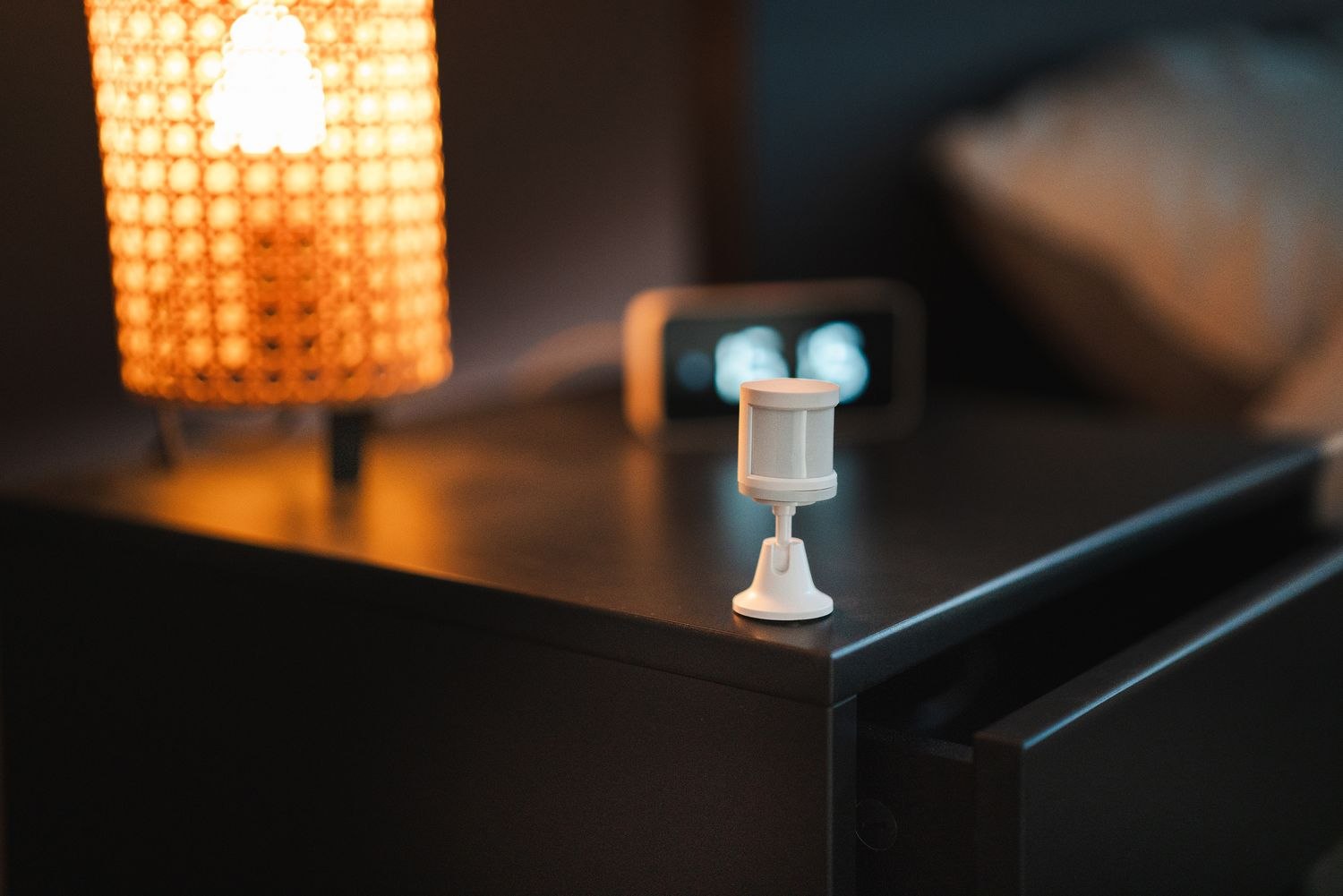
The word “tamper” sounds alarming, especially when it appears after an ordinary battery change. It is a device status that needs attention, but it is not a conclusion about somebody's intentions. On many sensors, a physical switch monitors whether the housing or mounting arrangement is properly closed.
Start by identifying the exact device and reading the event time. Was the sensor recently opened, cleaned, knocked or remounted? Do not dismiss the warning because maintenance happened nearby, but use that context to choose the correct troubleshooting guide. A photo of the device and the message can help support understand the situation.
Ring's guidance describes cover, mount and housing movement as possible causes, and distinguishes these from an offline status. That distinction matters: replacing batteries at random is not a substitute for checking whether a cover is properly seated. Other manufacturers may use different wording, so read the instructions for the actual model.
Inspect only what the guide permits
Follow the documented precautions before working on the sensor, including the monitoring provider's procedure where applicable. Check accessible covers and mounts for a secure fit without forcing clips or altering the switch. If a part is damaged, obtain the appropriate replacement rather than wedging it into a position that hides the warning.
Look for movement in the mounting surface. A bracket can remain attached while allowing the sensor to shift slightly each time a door closes. Adhesive that is peeling, loose trim or an incorrect spacer can produce a recurring problem even after the cover has been reseated.
Allow the status to update as the manufacturer describes, then confirm normal device operation. A stale screen can create confusion, but repeated alerts should not be explained away as an app problem without evidence. Record whether the warning clears and returns at a particular moment.
If there are signs of actual damage or interference, follow the household's safety plan and avoid investigating a potentially unsafe situation alone. A routine troubleshooting article cannot determine what happened at the property.
For an otherwise ordinary persistent fault, contact the supplier with the device model, alert wording and checks already completed. Do not disable tamper detection to make the dashboard look tidy. The objective is to restore the intended physical condition and understand the warning, not merely remove the word from view.