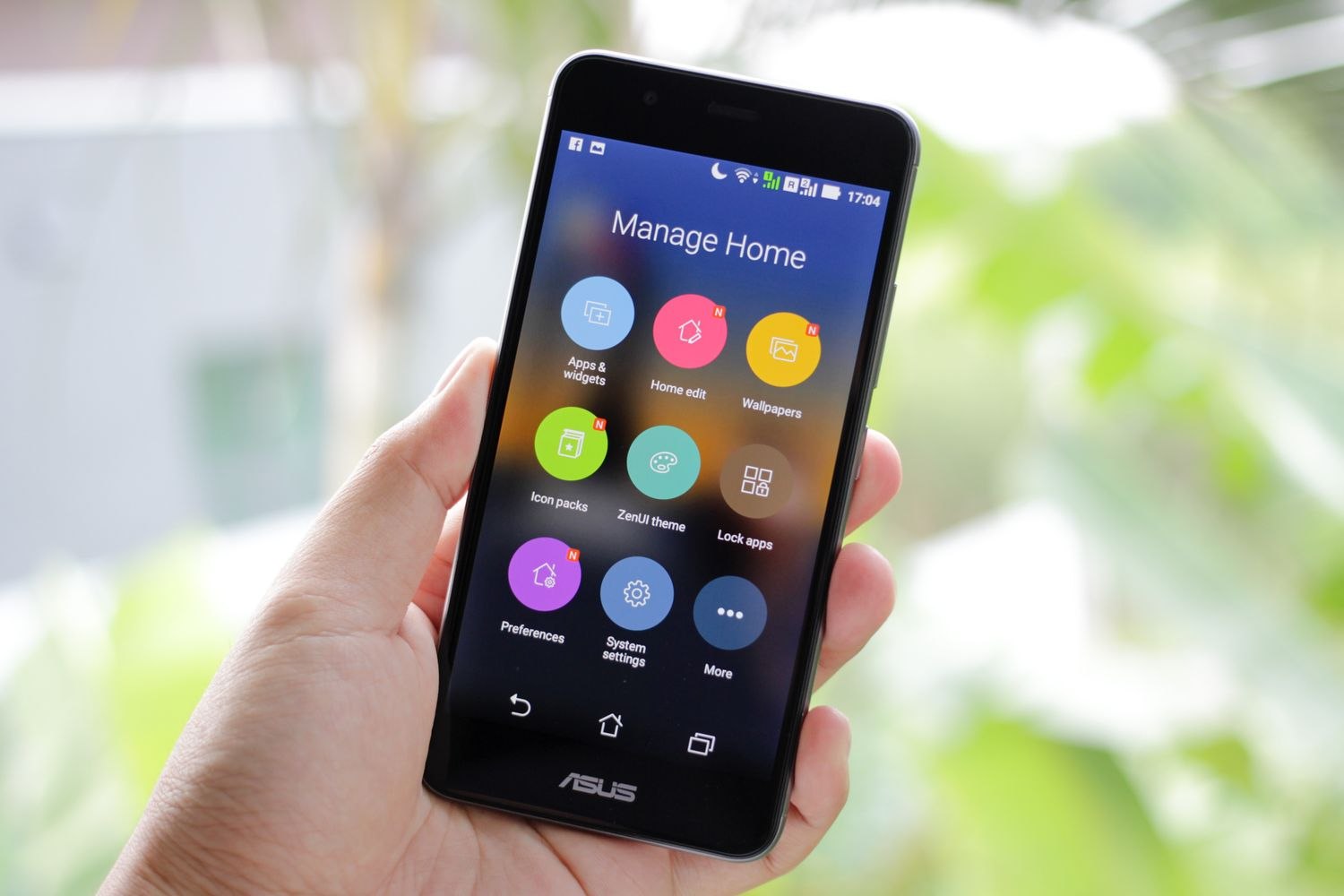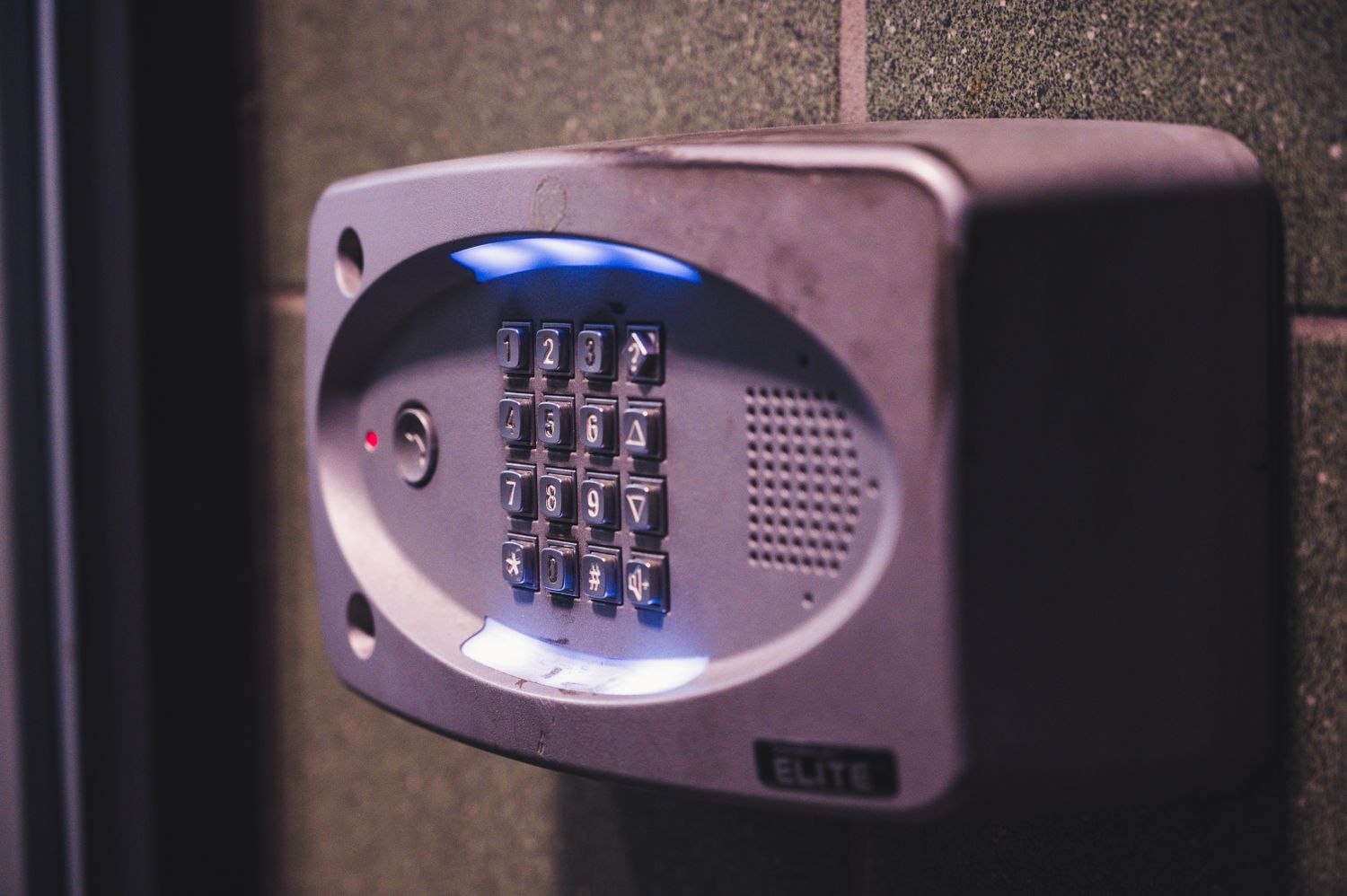
Picture the last person leaving home with a low phone battery. If arming the alarm requires finding a charger, the everyday arrangement could be simpler. Now picture a house sitter who has never seen the keypad. Physical controls do not become self-explanatory merely because they are mounted on a wall. Both approaches need a little planning.
A keypad gives the household a consistent place to arm and disarm. An app can make status visible away from home and may simplify managing users. The available functions vary by system, so do not assume either control remains fully useful during every power or internet failure. Read the operating conditions for the actual equipment.
The decision does not have to be exclusive. A keypad can handle routine arrivals while the app provides occasional remote checks. What matters is that people understand which control to use and can recognize confirmation that their action succeeded.
Make the normal route easy
If you use a keypad, choose a manufacturer-approved position that is reachable along the intended entry route. Think about visibility, readable labels and whether bags or a stroller make it awkward to approach. Do not mount it where a person must reach past a swinging door or leave it hidden behind coats that move every day.
With an app, check the experience from a locked phone rather than an already-open screen. The person needs their own permitted account access, not the owner's password. Make sure they know the difference between a command still being sent and a confirmed system state. Test ordinary use with the provider's required precautions, particularly if monitoring is active.
A small household trial can reveal the better daily arrangement. Ask each regular user to describe how they would leave, return and check the armed state. Do this while the system is in the provider's approved test condition. One person may prefer a tactile keypad; another may read the phone display more easily. You are looking for an arrangement both can use, not a vote for the most modern-looking control.
Include routine visitors in the decision without adding unnecessary privileges. A weekly cleaner may need a predictable entrance and individual code but no interest in an app full of camera feeds. An adult resident may need remote status and the ability to help with a forgotten arming step. Choosing controls by role often produces a simpler system than asking everyone to adopt the same method.
Guests may need a different arrangement from regular residents. A limited, individual keypad code can be more appropriate than broad access to cameras and settings, where the system supports it. Remove that access when the visit ends instead of letting convenience create a permanent user list.
Keep a supported fallback available for a flat phone or unavailable network. This does not mean hiding credentials beside the door; it means knowing which legitimate controls will still work and explaining them to authorized users. Revisit the arrangement when household circumstances change. A control that was convenient for one adult may not suit someone with limited mobility, poor vision or a different daily route.