“Bedroom window open” can mean several things on a phone. It might be a current device status, a reminder generated by an automation, or an event from an armed alarm. Those messages deserve different expectations. Before relying on one, find out what causes it and what, if anything, happens after it appears.
A simple reminder is often useful before leaving home or starting the air conditioning. It tells someone to look at an opening. An intrusion-alarm response depends on the sensor being included in an armed mode and on the rest of the system's configuration. Professional monitoring, when available, is another layer with its own activation and service conditions.
Separate these jobs in your own description of the system. “The app tells us if we left a window open” is a narrower and more accurate claim than “every window is protected.” A reminder might arrive only when a particular routine runs, while the app's device screen might continue to show an old state if communication has been lost.
Check what the message actually knows
Look at the device's last update, connection status and battery condition. Then open and close the window through the manufacturer's normal test procedure. Confirm that the right device changes state and that the message reaches the intended person. This catches an easily overlooked mistake: two sensors assigned to the wrong room names.
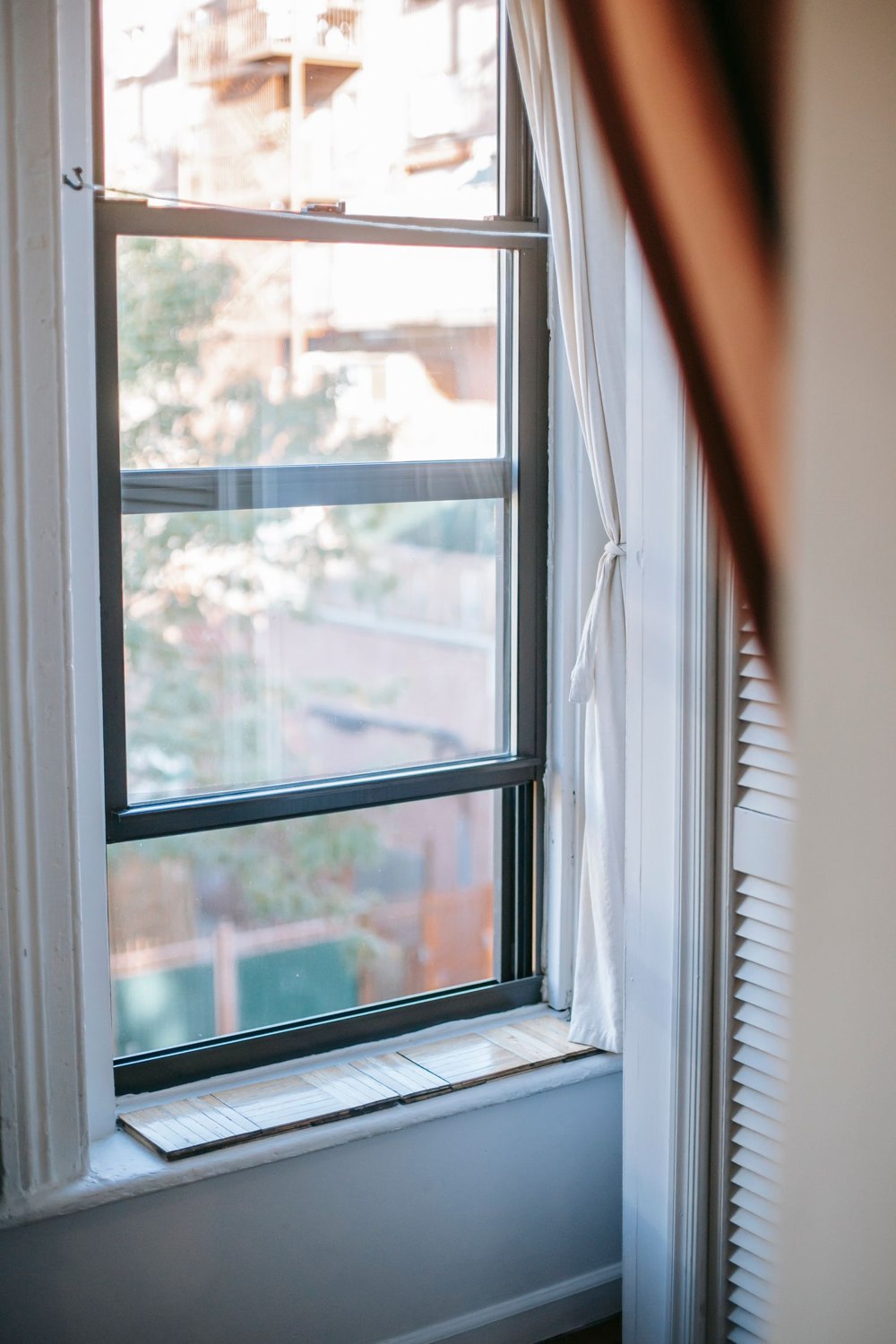
Consider how the window is used. A sliding sash, a casement window and a window with a ventilation position move differently. The sensor installation must follow the approved arrangement; do not assume that a “closed” reading proves the handle is latched or that every partial opening will produce the same result.
Notification settings also deserve a check on each user's phone. A quiet reminder can be appropriate during the day, but it should not be confused with an urgent alarm simply because both appear in the same app. Label an automation according to its purpose so that another household member understands the distinction.
Consider a reminder configured to run when the last resident leaves. If a phone's location permission changes, or someone leaves their phone at home, that particular routine may not run as expected. The contact itself could still be reporting correctly. Diagnose the chain in order: did the window status change, did the reminder's condition occur, and was its message delivered? That is more informative than immediately removing and pairing the sensor again.
For the daily closing routine, walk the rooms and physically check the openings that matter. Use the reminder to catch an oversight, not to replace everything you can verify locally. If a notification stops appearing, investigate the routine and device status rather than assuming that a silent phone means every window is shut.