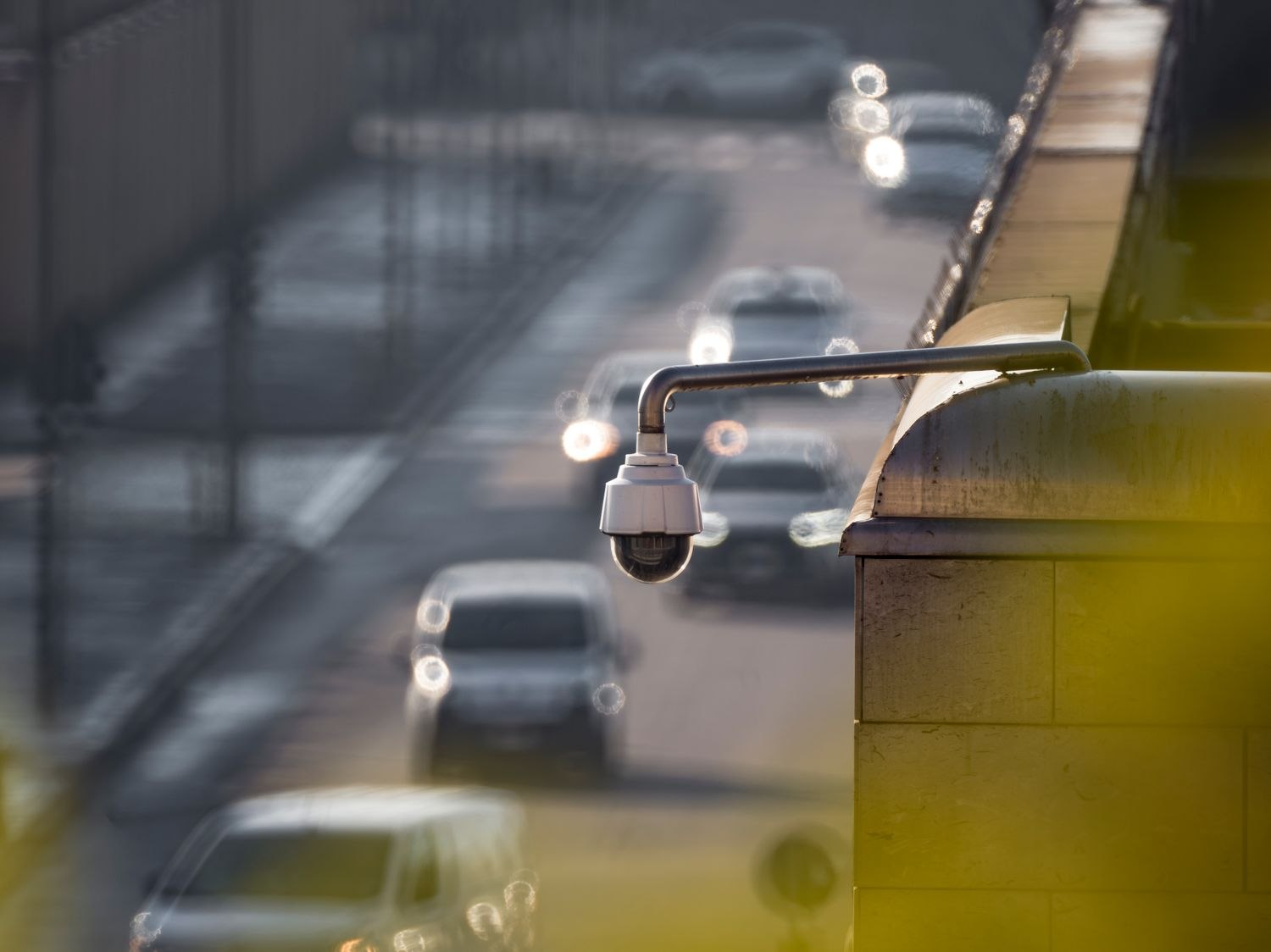
The street belongs in the camera's picture, but every passing car does not need to interrupt dinner. A motion zone can help separate the area you care about from the rest of the scene. The important question is what that zone controls on your particular device.
Some systems use zones to decide which events should generate notifications. Others use them as part of the recording trigger, with different behavior for different detection types or power modes. A zone drawn on a preview is not, by itself, a promise that activity outside the shape will never be recorded.
Draw around the route, not only the destination
If the zone covers just the doormat, the system may not react until a visitor is already at the door. Include the relevant approach where possible, while avoiding the busy sidewalk or a tree that moves continually in the wind. A narrow strip can look precise on a large desktop screen but be difficult to position accurately on a phone.
Then walk the route. Check both the alert and the saved clip. Do not test only by standing still and waving at the camera; that is a different event from arriving with a bag and turning toward the door. Repeat a harmless movement outside the intended area to see how the system actually behaves.
Keep privacy controls separate
If you need a neighboring window excluded from captured video, look for a supported privacy-mask feature or change the physical view. A motion zone generally does not black out the picture. Review an exported clip to confirm what remains visible, and check the product documentation for the scope of any privacy setting.
Zones also do not correct every nuisance alert. Headlights can change illumination inside a selected area even when the car stays outside it. A shadow, insect near the lens or plant in the foreground may still affect detection. Person filters and sensitivity settings can introduce further interactions.
Make one adjustment at a time and keep enough coverage to detect an ordinary arrival. After moving the camera, redraw and retest the zones; a shape saved for the old view may now cover the wrong place. The useful result is a manageable set of alerts with a known recording behavior, rather than a diagram that merely looks tidy.