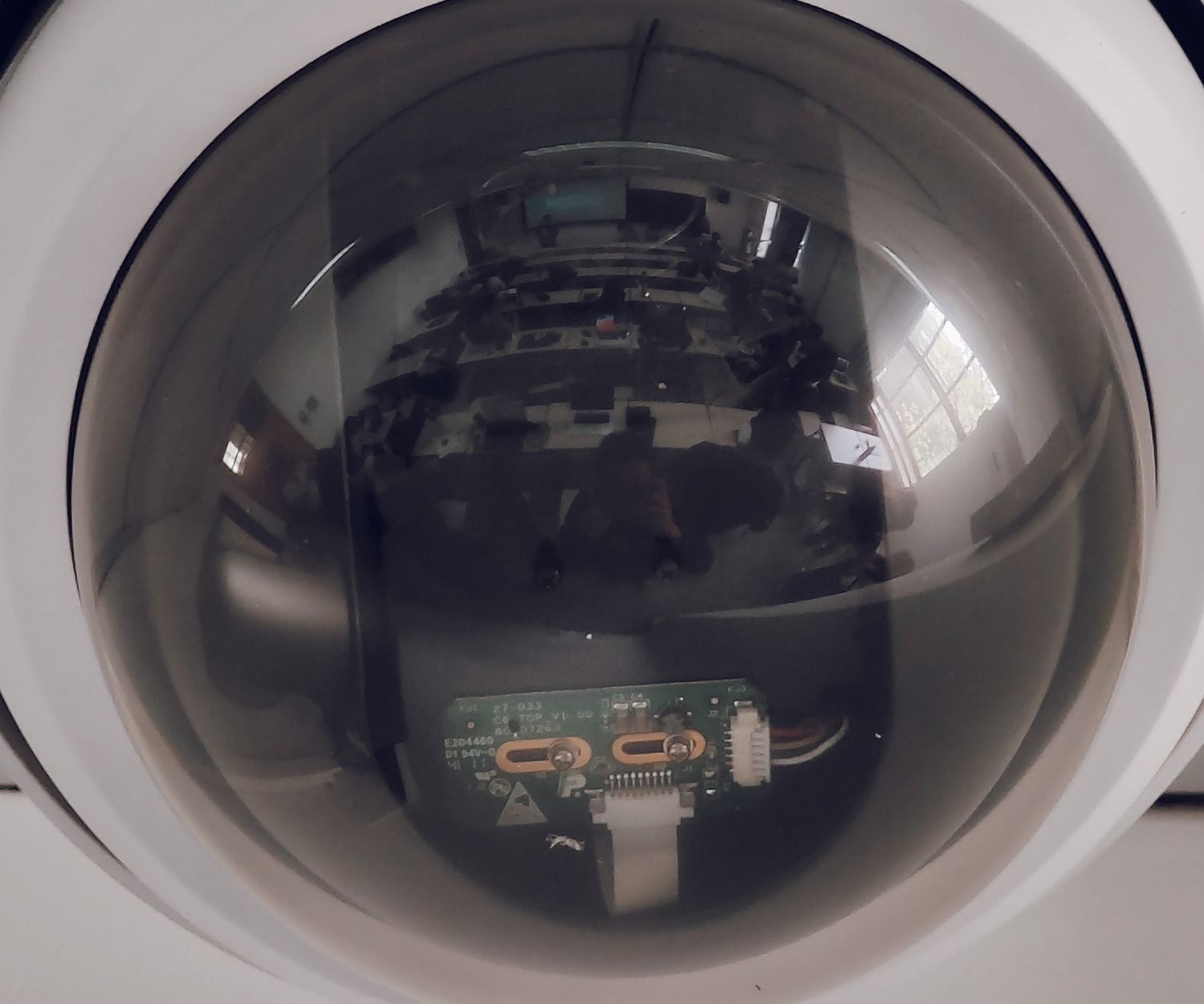
A camera facing your driveway may also include a neighbor's window. Silencing alerts from that window does not remove it from the video. If the aim is to keep that area out of the image, you need to change the view or use an appropriate privacy-masking feature.
A privacy mask typically covers a selected part of the picture. Its exact behavior depends on the device: which views it affects, whether sound is controlled separately and whether detection still responds to activity in the covered area. Read those details before relying on a black rectangle in a preview.
Prefer a narrower view when it solves the problem
Repositioning the camera may exclude the neighboring space without sacrificing your entrance. That is often easier to understand than a collection of software exclusions. Check the entire image after the adjustment, including reflections in windows or vehicles that bring an excluded area back into view.
Where masking is necessary, leave a reasonable margin around the area. The outline of a window is harder to judge at night, and minor movement in a loose mount can shift the scene. A privacy setting cannot compensate for a camera that changes position unexpectedly.
Test the result in live view and in a newly saved event. If the product supports downloads, inspect an exported original too. Do not assume a setting only affects what your phone displays, or that it retroactively changes older recordings. For example, Ring describes privacy zones as areas excluded from capture; footage that was not captured there cannot later be revealed by deleting the zone.
Remember the microphone
A visual mask does not necessarily suppress sound from the same direction. Review audio recording separately and decide whether it is needed for the camera's purpose. A camera aimed responsibly can still pick up conversations you did not intend to retain.
Keep a short note of the chosen coverage and settings, especially if more than one person manages the account. After a reset, replacement or mounting change, verify them again. A familiar camera icon in the app does not prove the previous privacy arrangement survived. Good framing and verified settings should work together rather than leaving the whole decision to an alert filter.