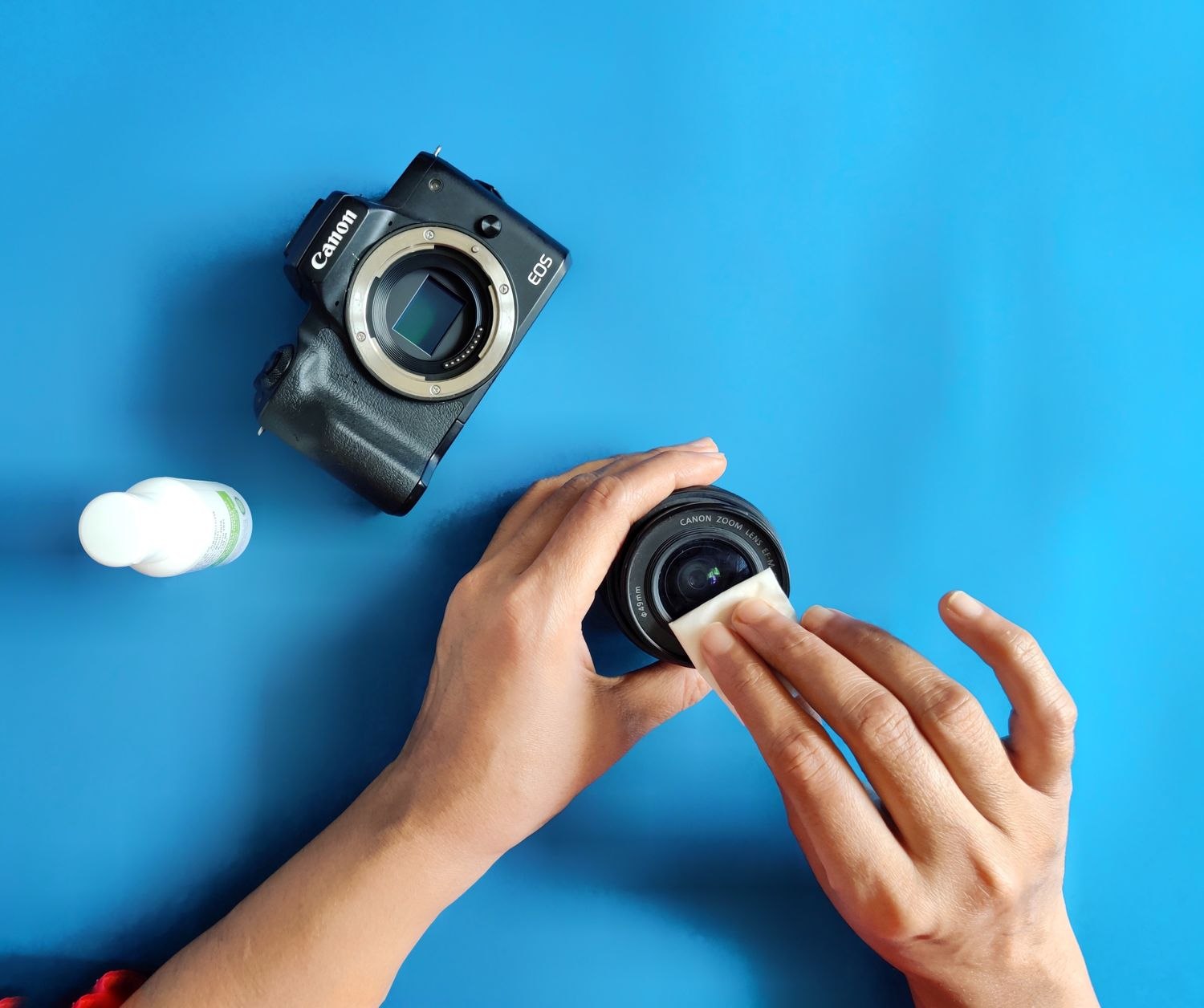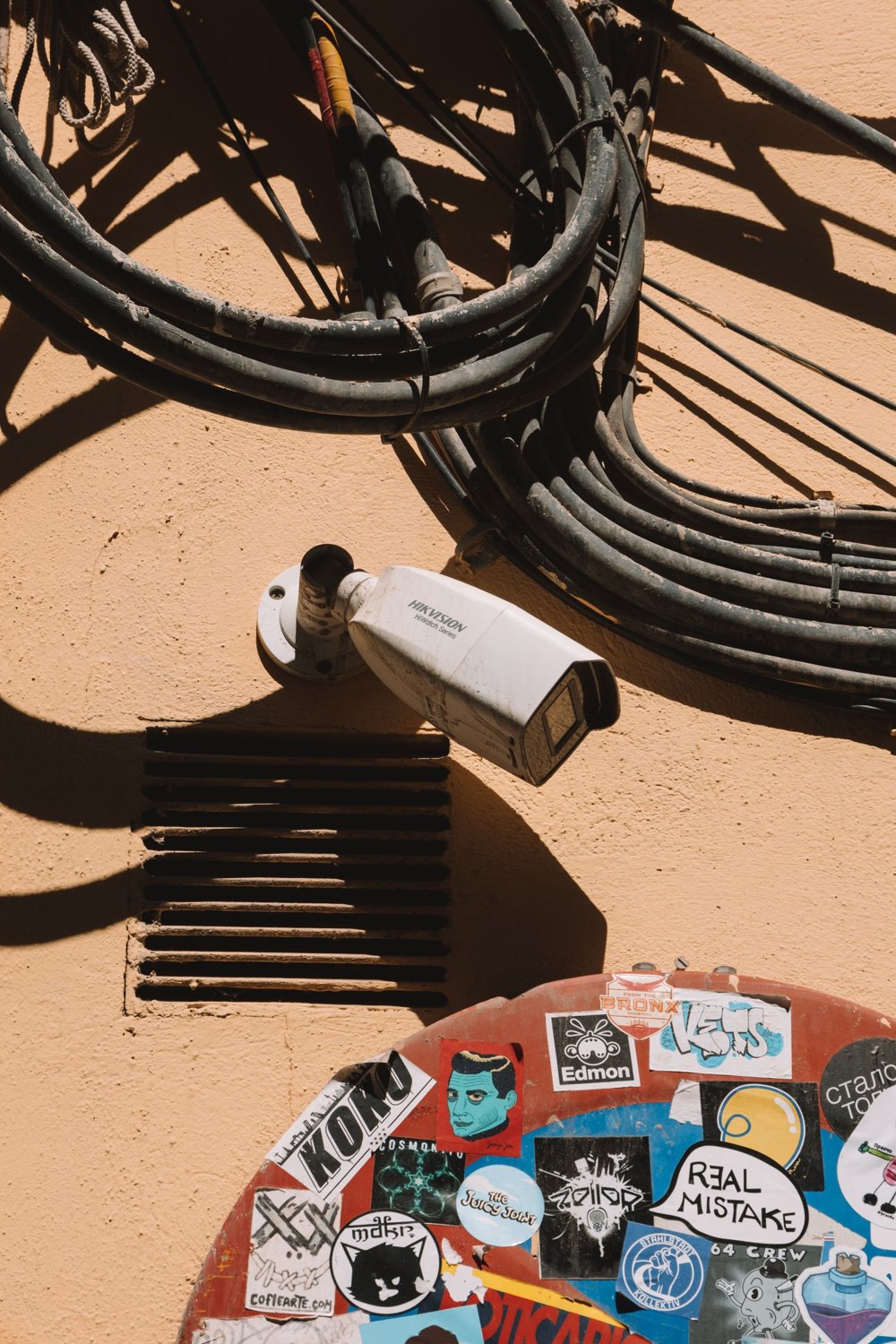
A camera that has been removed from the wall is not necessarily ready to sell. It may still contain private recordings, appear in your account or depend on an association that prevents another owner from setting it up. Prepare it deliberately while you still have the equipment and legitimate account access together.
Find the manufacturer's transfer or removal instructions for the exact model. Distinguish a factory reset from removing the device from an account. Products differ in which actions are required and in the order they should happen. Do not promise the buyer that holding a button will resolve an ownership restriction you have not checked.
Preserve, remove, verify
First save any recordings you need through the supported export process. Confirm the files open outside the camera's history. Google warns that resetting certain Nest cameras permanently removes video history and personalized settings, which illustrates why preservation must come before a destructive action.
Deal with removable storage separately. Decide whether a memory card will remain with the device or stay with you. Follow appropriate secure erasure or disposal guidance for private footage; simply removing the camera from an app should not be assumed to clear every separate storage medium.
Next complete the documented account-removal and reset steps. Keep the device powered and connected when the instructions require it. If the equipment belongs to a managed alarm or access installation, coordinate with the provider rather than detaching components from an active service without a plan.
Review any subscription. Removing hardware does not necessarily cancel a recurring service, and canceling a service may affect other devices still in use. Confirm the scope of the change before accepting it. Save a record of cancellation or transfer where relevant.
Hand over useful information, not your credentials
Provide the model, included accessories and the official setup instructions. State any known faults or limitations. Do not give the buyer your account password, existing household code list or old private configuration backup to make setup easier.
Where the product provides a way to verify that it is ready for a new owner, complete that check. If an account association remains unresolved, contact official support before advertising the equipment as ready to use. Keep purchase or ownership documentation if it is needed for that process, sharing only through suitable private channels.
Update the household inventory after the transfer and remove obsolete access or app entries. Check that the remaining system still has its intended coverage; selling one camera can also require changing a subscription or a routine check.
The result should be a device the next owner can legitimately configure without access to your household's past recordings or present account. A tidy box and a blank screen are not enough evidence of that on their own.