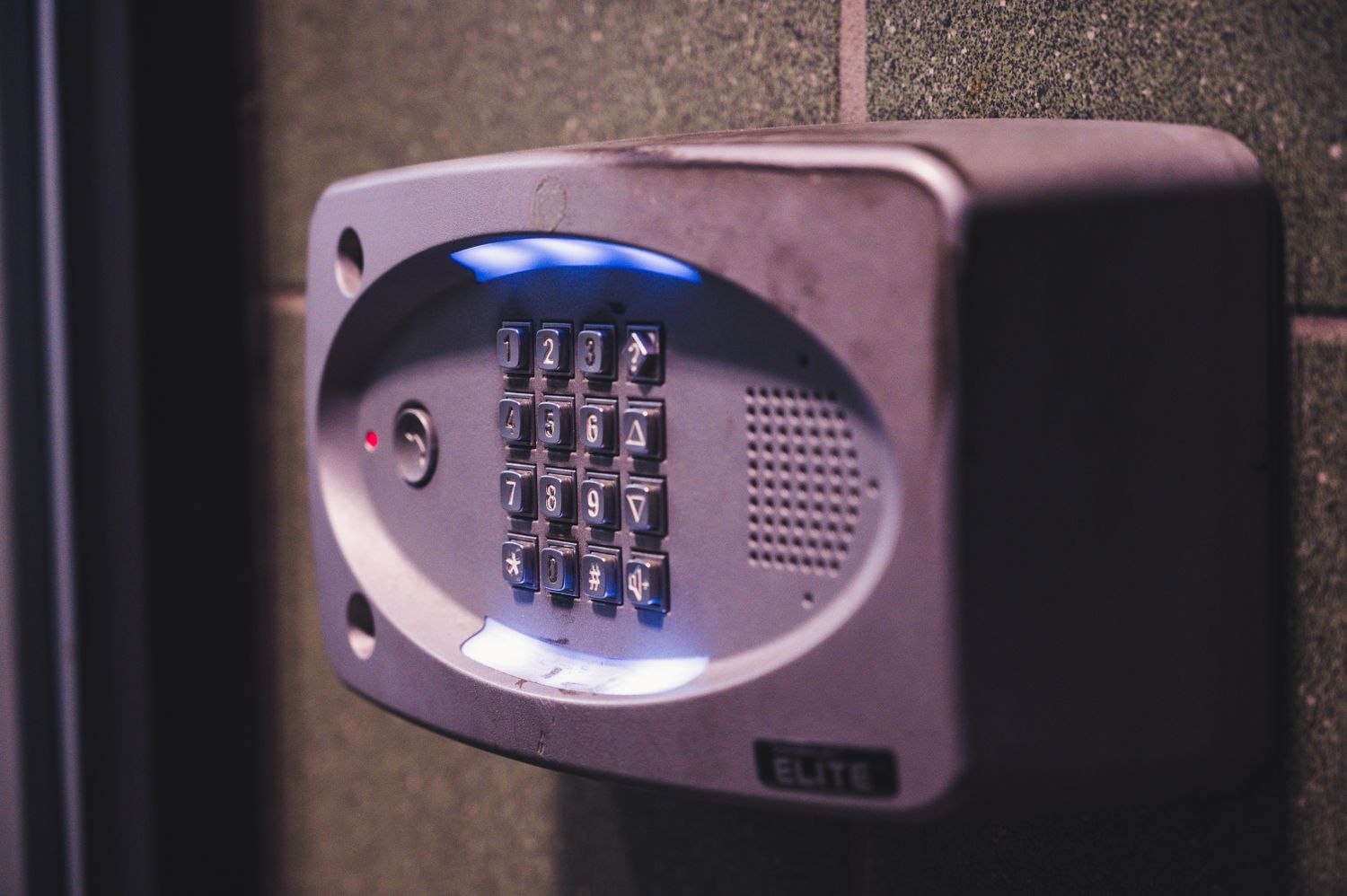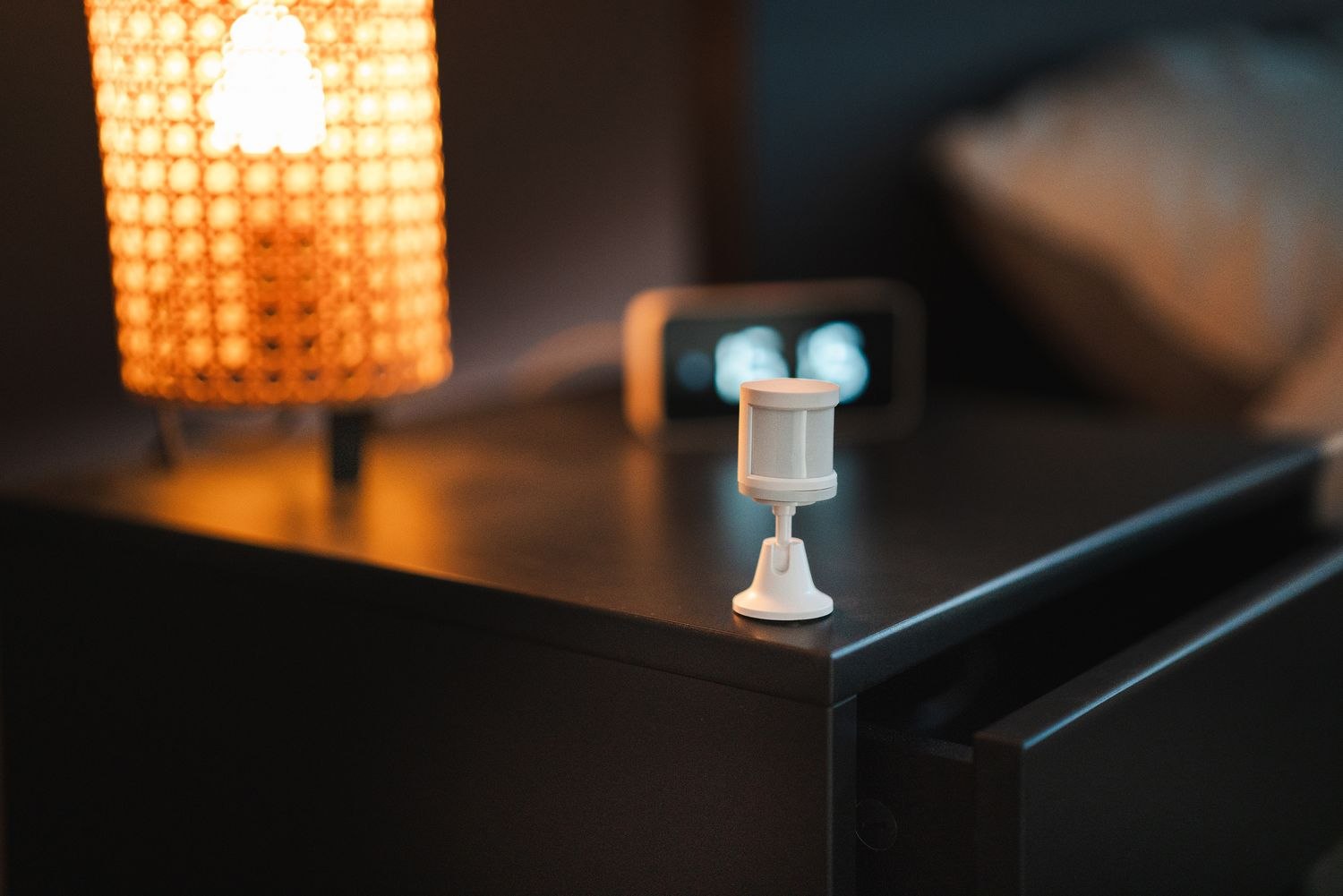
When an alarm activates repeatedly, memory tends to compress the events into “it happens all the time.” That makes it harder to spot a pattern. A short event record can separate different causes and give support something concrete to investigate.
Write down the date, local time, device name and exact notification. Note whether the system was in Home, Away or another configured mode. Add what the household was doing: arriving, leaving, opening a particular door or moving through a room. Keep the language observational. “Patio contact reported open at 6:12” is more useful than “the alarm is broken again.”
Check whether the device time agrees with the time on your phone. A misleading timestamp can make an ordinary arrival look unrelated to an event. If several people receive messages, compare the event time with the notification arrival time rather than assuming those are identical.
Include changes around the device
Record recent battery replacement, mounting work, moved furniture, heating changes or a new pet. For an outdoor or unconditioned location, weather may be relevant. These details are clues, not proof; avoid deciding on a cause before the pattern supports it.
If you make a manufacturer-supported adjustment, record it separately and change one thing at a time where practical. Otherwise, a later improvement cannot be connected to a particular action. Do not repeatedly lower sensitivity or exclude devices without reviewing the effect on intended coverage.
Keep credentials out of screenshots and notes. A support record can include model information and the relevant device status without exposing passwords, keypad codes, recovery keys or a detailed public floor plan. Share it only through the supplier's legitimate support channel.
For a monitored system, follow the provider's response instructions when an accidental activation occurs. Logging the event does not cancel a notification or replace any required contact with the monitoring service. Use the approved test process for later checks rather than reproducing a live alarm.
After a repair or configuration correction, keep observing the device through ordinary use. Record the date the issue was resolved and what was verified. A brief history helps if the problem returns months later and prevents the household from repeating the same unsuccessful steps. The record should make a decision easier, not become a second maintenance burden.
A useful entry might read: “Tuesday, 7:40 a.m., hallway motion event during departure; utility door had already closed; heating started shortly before; no setting changed.” That leaves several possibilities open while preserving facts. “Heater causes alarm” jumps to a conclusion before a pattern has been established. If later events occur with the heating off, the factual note remains useful while the early conclusion would have sent troubleshooting in the wrong direction.
Where the system provides event exports, keep only the relevant period for the support request and handle it as private household information. More data is not automatically more helpful than a clear sequence of the few events under discussion.