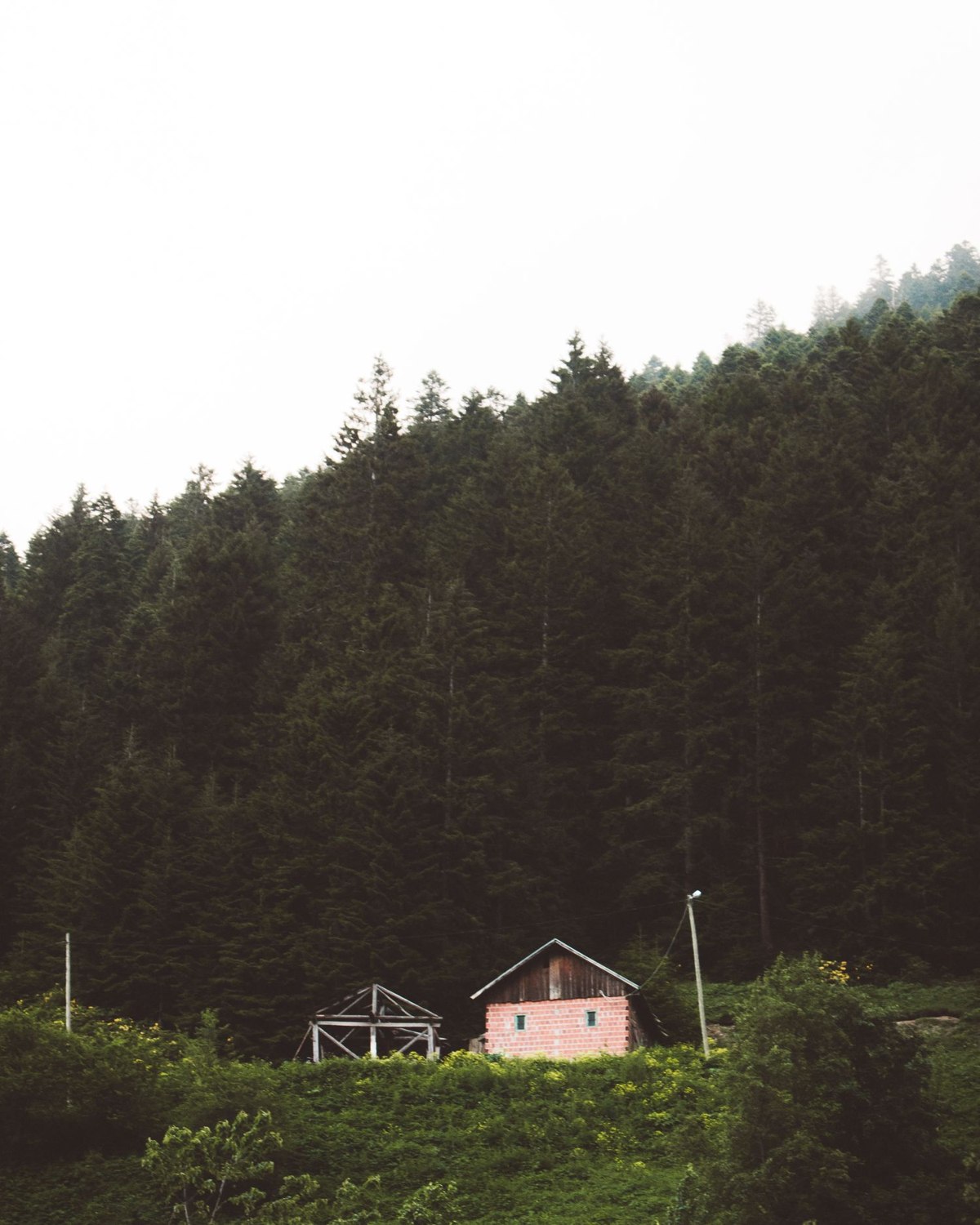
A shed, seasonal cottage or detached workshop may have no fixed internet connection. That does not make every security task impossible, but it changes the starting point. A short alarm notification and a live camera stream place very different demands on a connection. List the information you need to receive, rather than beginning with a router and hoping the rest will work around it.
For an occasional-use building, the useful question might be whether a door has opened unexpectedly. For another property, a picture of the entrance may be important. Continuous remote viewing is a different commitment again. It requires suitable equipment, enough power and a data allowance that fits the actual use.
Choose a connection architecture
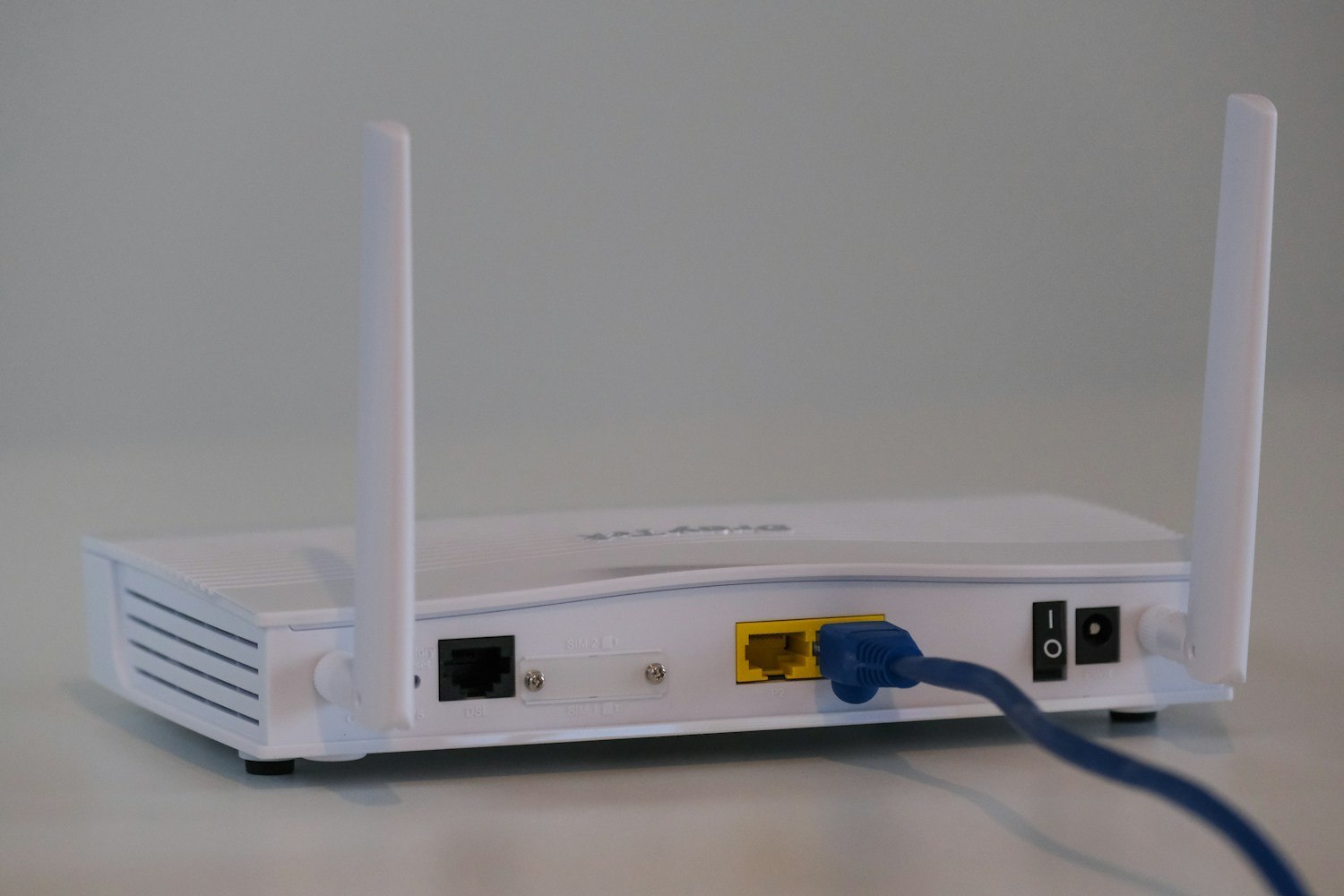
One option is a device with its own supported cellular connection. Another is a cellular router providing a network for compatible equipment. These arrangements are not interchangeable. A standalone camera may have a restricted carrier list or a service plan tied to the manufacturer. A router gives you a separate network to manage, but it also needs power, configuration and recovery after interruptions.
Do not assume that a SIM working in a phone will work in either arrangement. Check the exact hardware model, sales region, carrier compatibility, SIM format and required service before purchasing. Older equipment described simply as GSM needs particular attention: the label is not proof of support for the networks currently available at the site.
Test the building, not just the postcode
A coverage map is a planning aid. Conditions at the actual mounting location may differ, particularly behind thick walls or inside a metal building. Arrange a location test using the intended equipment or an appropriate returnable setup. A phone reading nearby is useful context, but it does not validate a different modem and antenna inside the building.
Think about how a fault will be discovered. If the only camera goes offline, the lack of new events should not be mistaken for proof that the property is quiet. Where supported, enable device-health or connection-loss notifications and understand when they are generated. Keep an alternative contact or inspection arrangement for a place you cannot reach quickly.
Power deserves a separate line in the plan. A cellular connection does not keep a camera running during an outage. Likewise, a backup battery in one device does not automatically supply a router, network switch or other accessories. Write down the actual powered components and check their individual outage behavior.
Once the system is working, check consumption over an ordinary period and a busier one. Frequent live viewing can change the data budget substantially. Record the SIM renewal arrangements, support contacts and a safe way to restart equipment on site. At an unattended property, a connection that can be maintained matters as much as one that worked on installation day.