An event in a camera timeline is easy to mistake for a file you already own. It may actually sit in a rolling archive that will expire, be overwritten or become inaccessible when a service changes. If a clip matters, save it using the system's supported download or export function.
First identify the correct camera, date and time. Check whether the app displays local time and whether a recent clock or time-zone change could shift the event. Look at the moments before and after the obvious action. A person leaving the frame may be less informative than the approach that explains why they were there.
Choose a useful interval without collecting hours of unrelated household activity. Where possible, retain the original export as well as any shorter copy you make for a specific purpose. Editing, screen recording or sending through a messaging service can change quality and remove context. A screenshot is not a replacement for a moving sequence.
Open the downloaded file
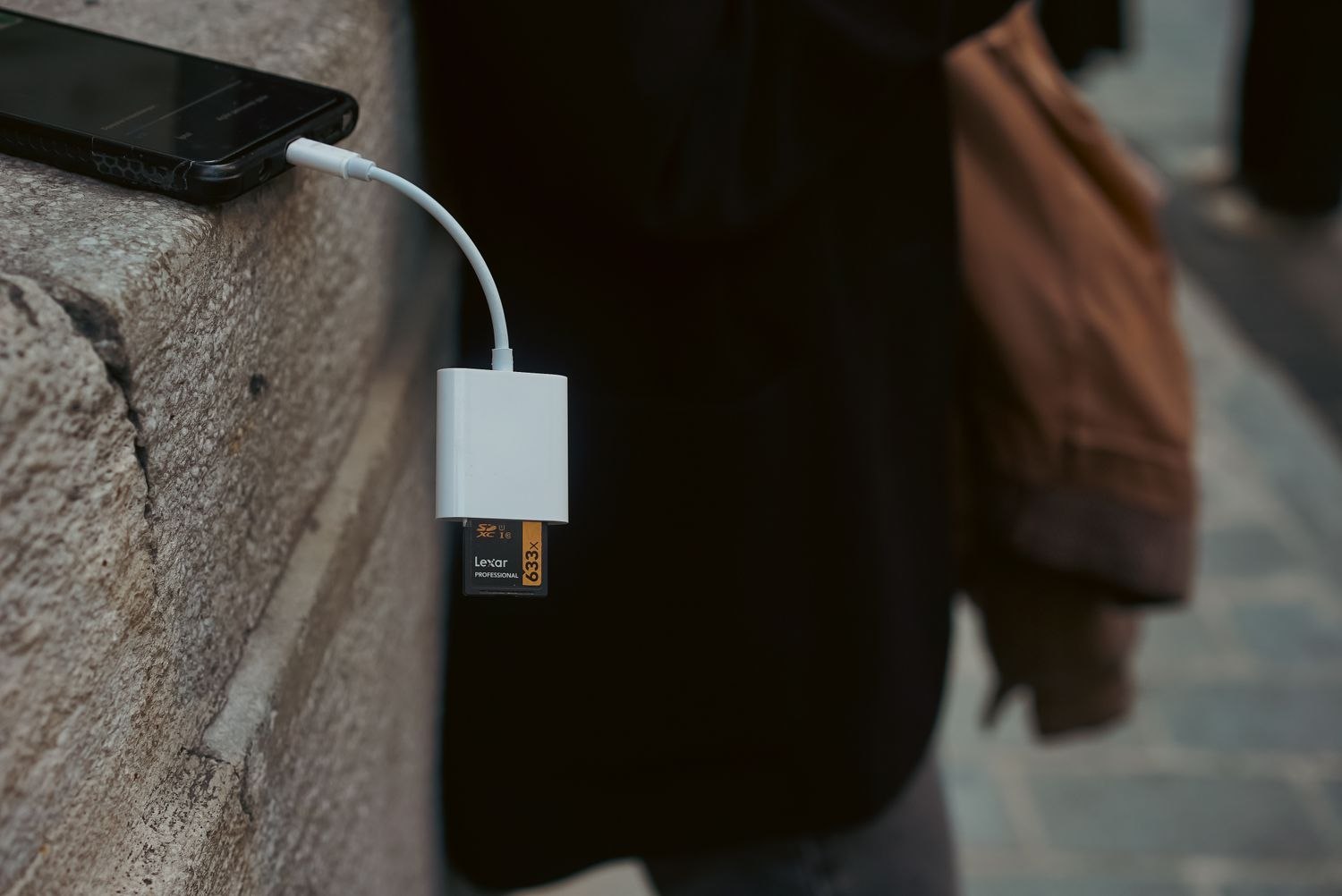
Do not stop when the app says the export is complete. Find the file on the receiving device and play it from beginning to end. Confirm that the intended period is present, the picture is readable and any necessary audio is included. A shared cloud link may be convenient, but it is not the same thing as a downloaded copy and may expire or depend on permissions.
Give the saved file a name that helps you locate it later, using the date, camera location and a brief neutral description. Keep any notes about a clock error alongside it rather than silently altering what the recording appears to show.
If the event concerns an incident being reported to an insurer, property manager or authority, ask how they want to receive the material. Preserve the original and avoid posting identifiable people publicly merely to obtain an interpretation. Share through an appropriate channel with only the people who need it.
Before formatting a card, resetting a camera, deleting an account or canceling a plan, revisit the archive. Those actions can affect access in different ways depending on the system. Make the export while the working setup is still available. Practicing once with an unimportant recording is much easier than learning the process under pressure while a retention deadline approaches.