“Person detected” is a useful way to find an arrival without opening every motion clip. It is not a complete account of what happened. The camera has classified something in its view, using the features available on that model and service. It can miss a person, label the wrong movement or fail to notice a package that is partly hidden.
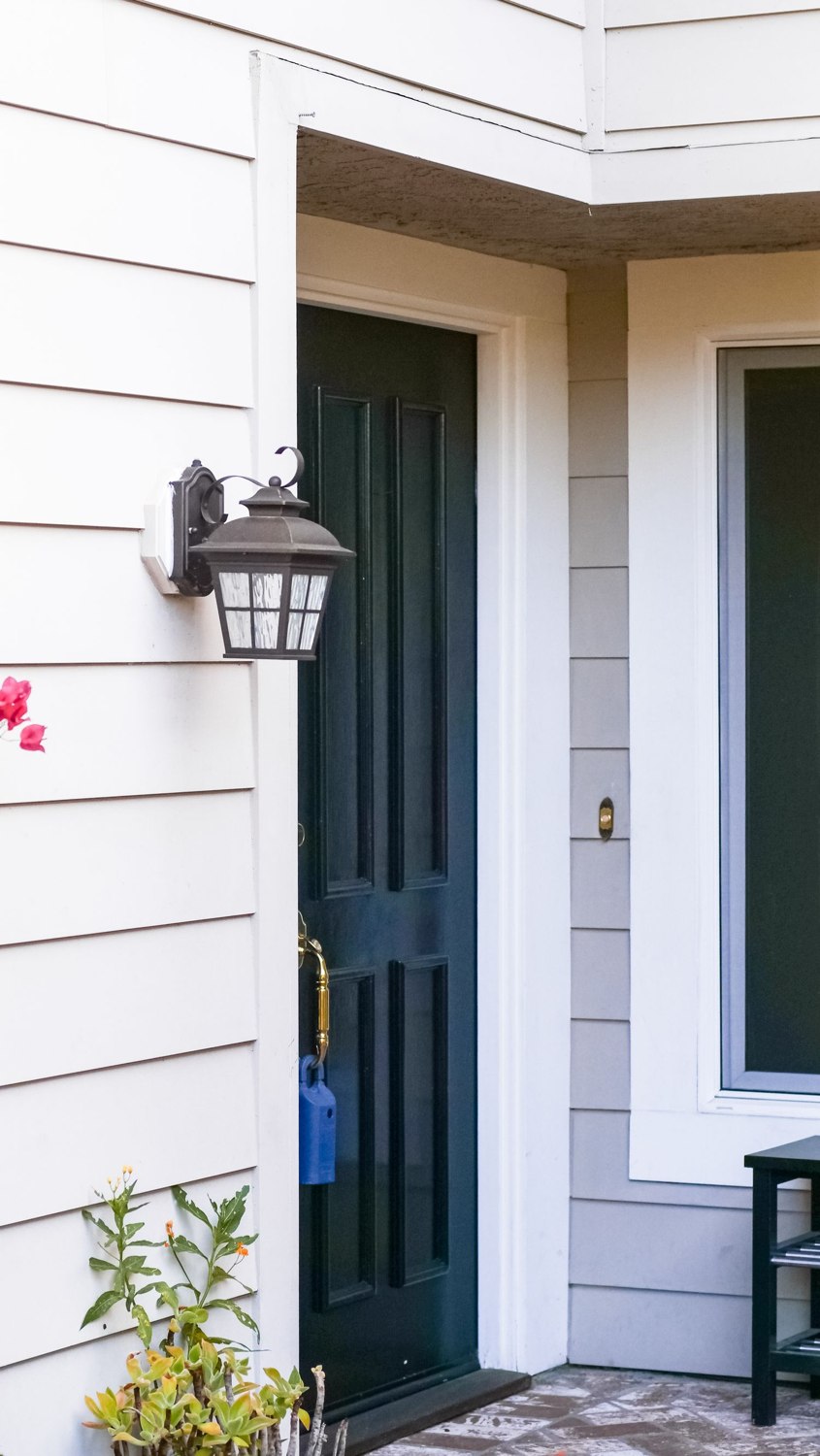
Start with framing. A package behind a planter or directly below the visible area gives the system little to work with. A visitor passing at the edge of the image, carrying a large object or standing in deep shadow can look very different from a clear promotional example.
Match alerts to the question
For a doorstep, you might want to know when someone approaches, when an item is placed down and whether it remains there. Those are separate events. A package alert does not necessarily track the parcel continuously, and the absence of a later alert does not prove it has stayed in place.
Check which detections are supported without a subscription, which require a plan and which apply to your exact camera. Do not assume a feature shown elsewhere in the same brand's app is available on every device. Region and software changes can also affect availability.
Test with ordinary examples: a small box, a soft delivery bag and someone approaching from the usual direction. Review both the labels and the underlying clips. Keep the test harmless and do not leave valuable goods outside merely to evaluate recognition.
Person recognition is not identity verification
Detecting a person is different from identifying a familiar face. A system that offers face labeling introduces additional settings, permissions and privacy considerations. Even then, a label should not be the sole reason to unlock a door or grant access.
Leave yourself a way to review events that do not receive the expected label. An overly narrow alert filter can create the impression that nothing happened when the camera simply categorized the event differently. Where the archive permits it, examine the broader timeline during setup.
Use smart detection to reduce the effort of checking footage, while keeping the picture itself as the thing to review. Better framing, dependable recording and sensible notifications remain useful even when a particular event receives an imperfect description.