A front-of-house camera can show a generous sweep of driveway and still give you a poor view of someone standing at the door. Much of its picture may be sky, parked cars and the tops of heads. Before comparing resolutions, decide what you would want to learn from a recording: whether a parcel arrived, who approached an entrance, or whether a vehicle entered the driveway. Those are different views.
Stand near the proposed mounting position and look toward the area that matters. A phone photograph can help you notice a branch or porch column, although it will not reproduce the security camera's lens. Mark the useful area on a simple sketch. Include places where someone could stand close to the wall and disappear below the view.
Give the picture one main job
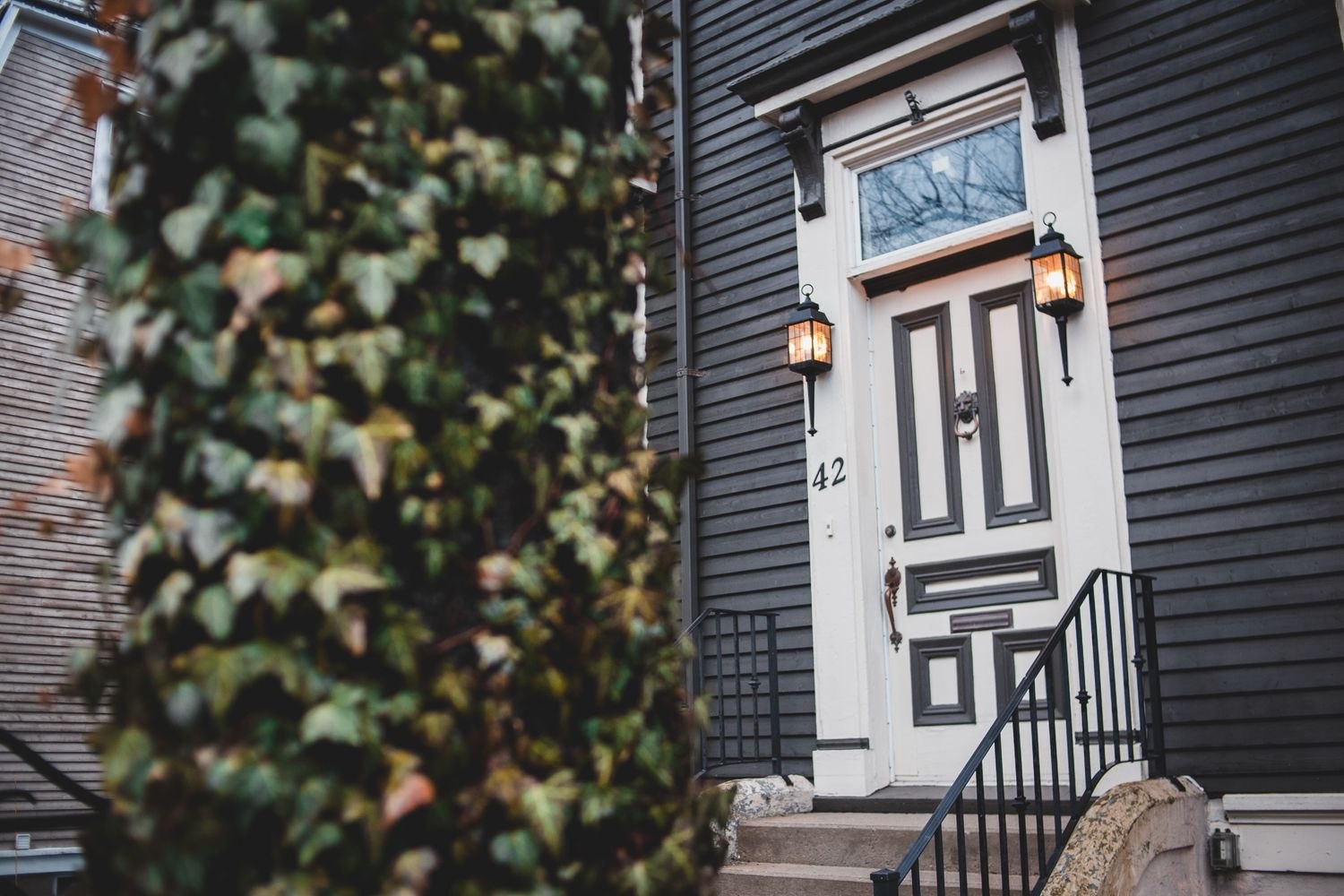
For a doorway, the important moment often happens just before the visitor reaches the threshold. A camera aimed straight down at the doormat may capture a delivery but offer little context about the approach. A broader view can add that context, at the cost of making each person smaller in the image. The balance depends on the distance, lens and available mounting points, rather than on a single ideal height.
If the porch and driveway cannot both be seen usefully, consider whether they need separate coverage. Buying a higher-resolution camera will not remove a brick pier from the foreground. Sometimes moving the viewpoint a short distance is the more useful change.
Look again when the light changes
Check the position in morning light, after sunset and with the normal entrance lighting switched on. A bright background can make a face look dark. At night, nearby surfaces may reflect the camera's infrared illumination back toward the lens. A location that looks unobstructed to your eyes can therefore produce an unhelpful nighttime recording.
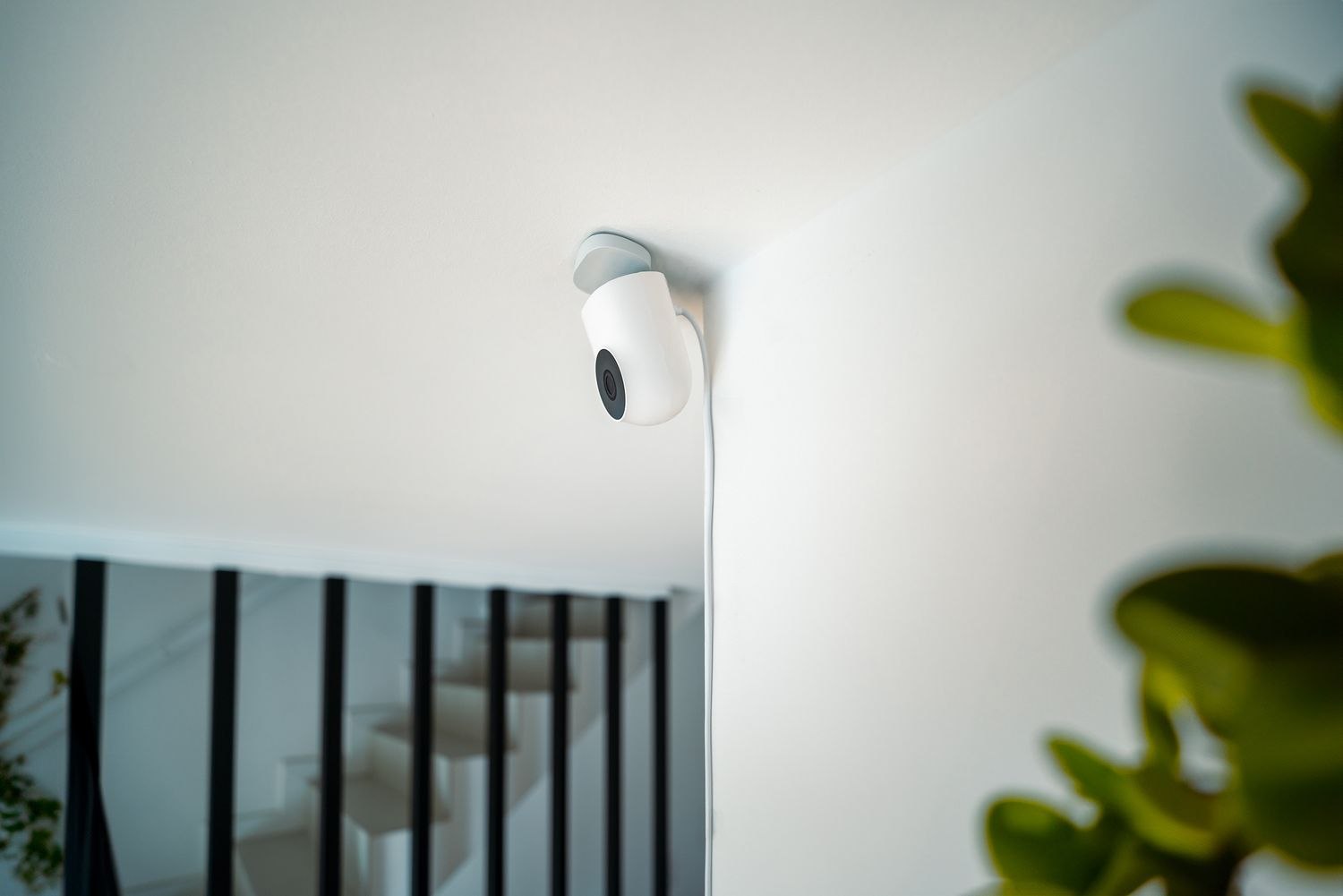
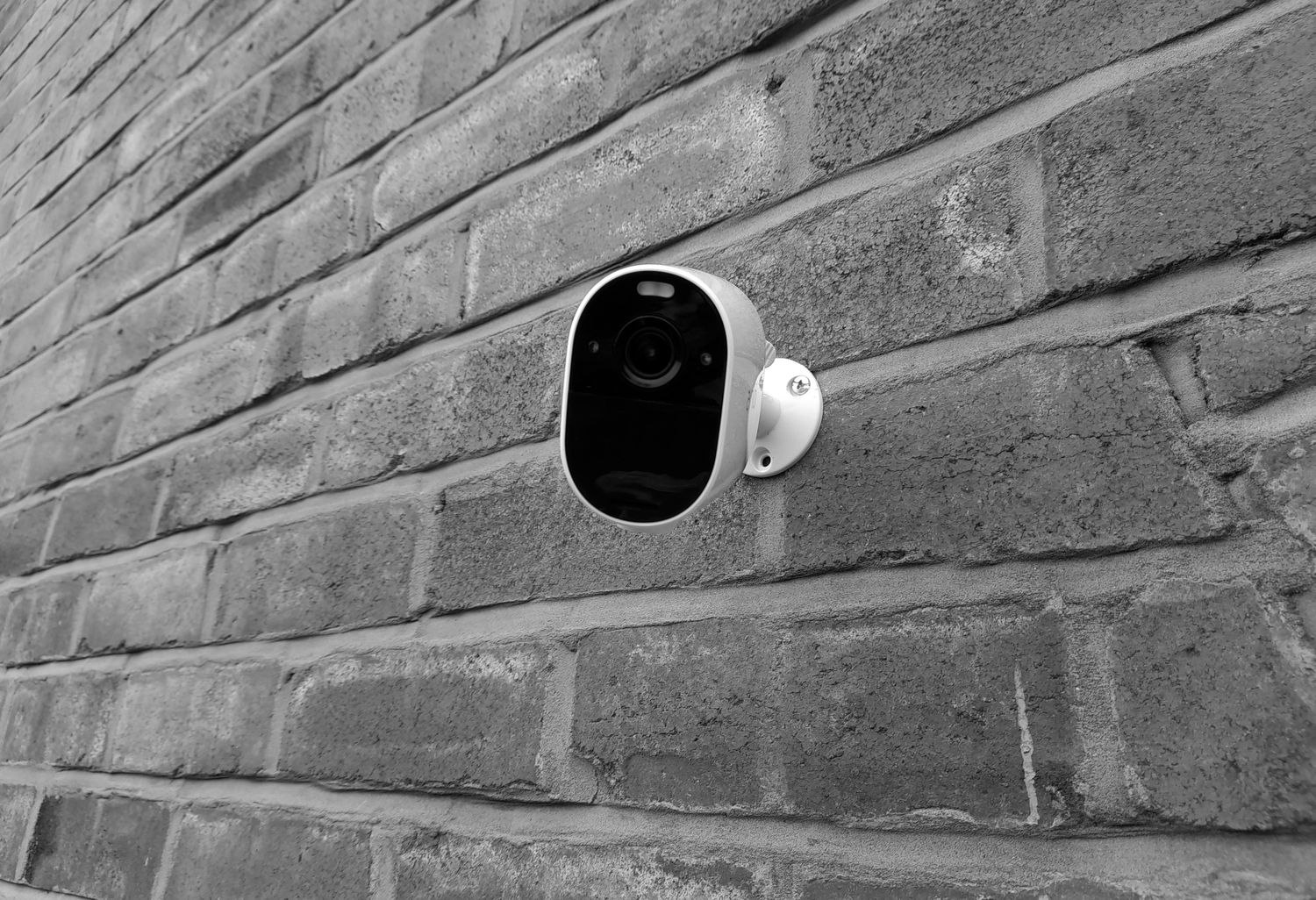
Leave enough room around the camera to follow its mounting instructions, and avoid treating an indoor camera behind glass as an automatic substitute for an outdoor model. The window can introduce reflections. If the view includes a neighboring entrance or a shared walkway, tighten the physical framing before relying on software exclusions.
Before making permanent mounting holes, test from a safe, accessible position using the manufacturer's recommended setup method. Ask someone in the household to approach normally, pause at the door and leave. Review the saved event, not only the live image; a delayed start or short clip may miss the part you hoped to see.
Finally, consider the less photogenic details: the power route, connection strength and how you will reach the camera for cleaning or charging. A useful view should also be maintainable. Keep the original sketch with your device notes so that moving a planter or adding a canopy prompts you to check the picture again.