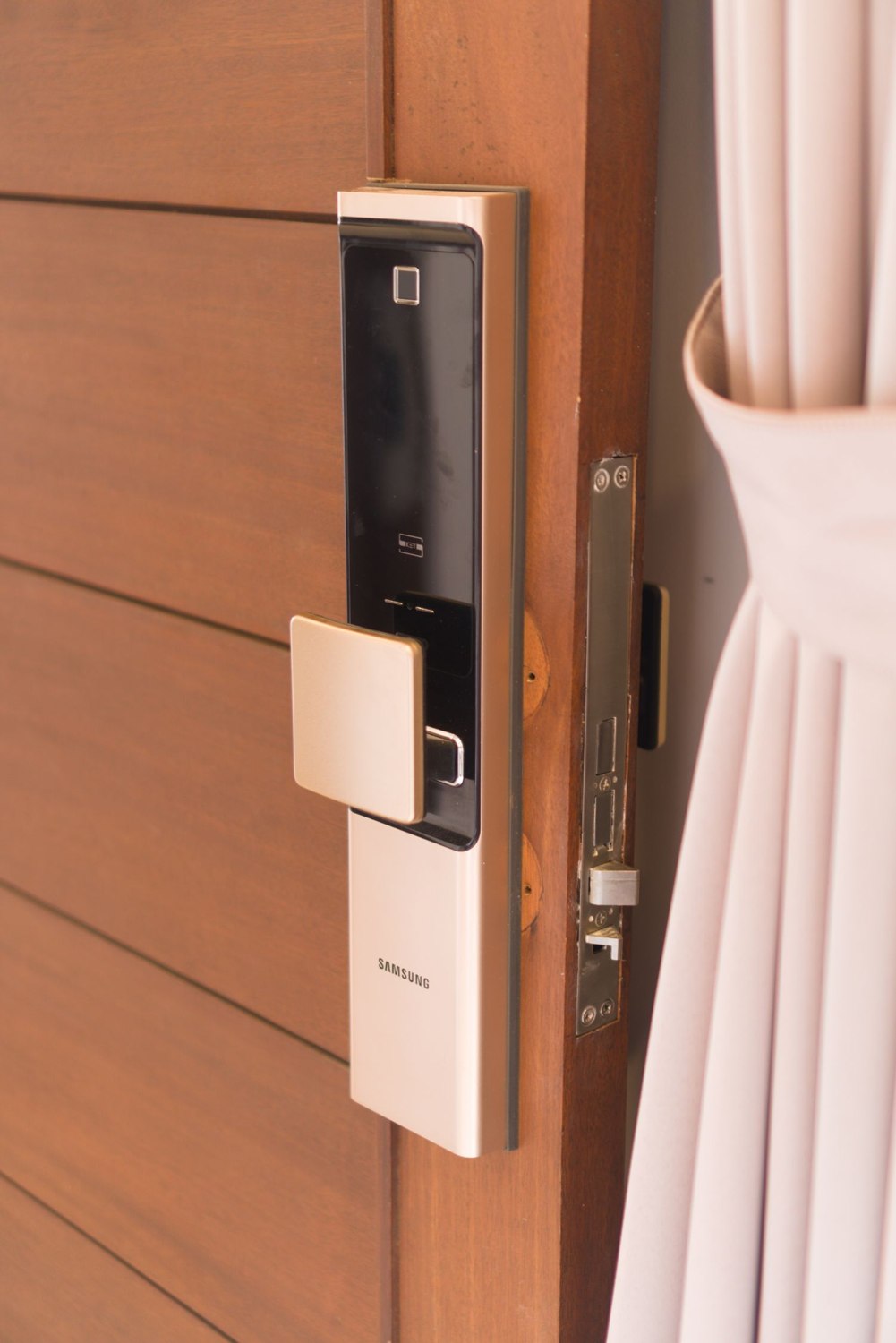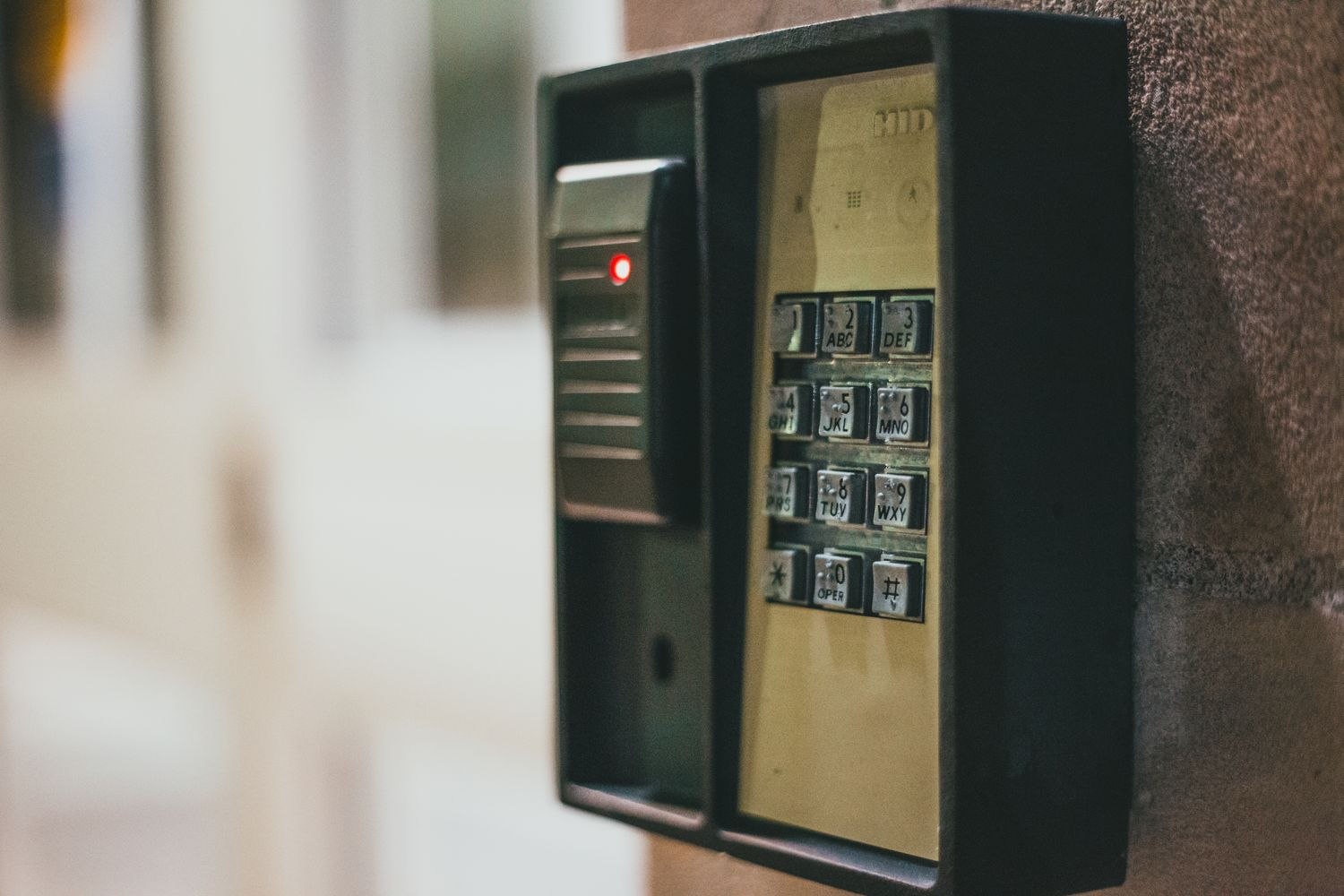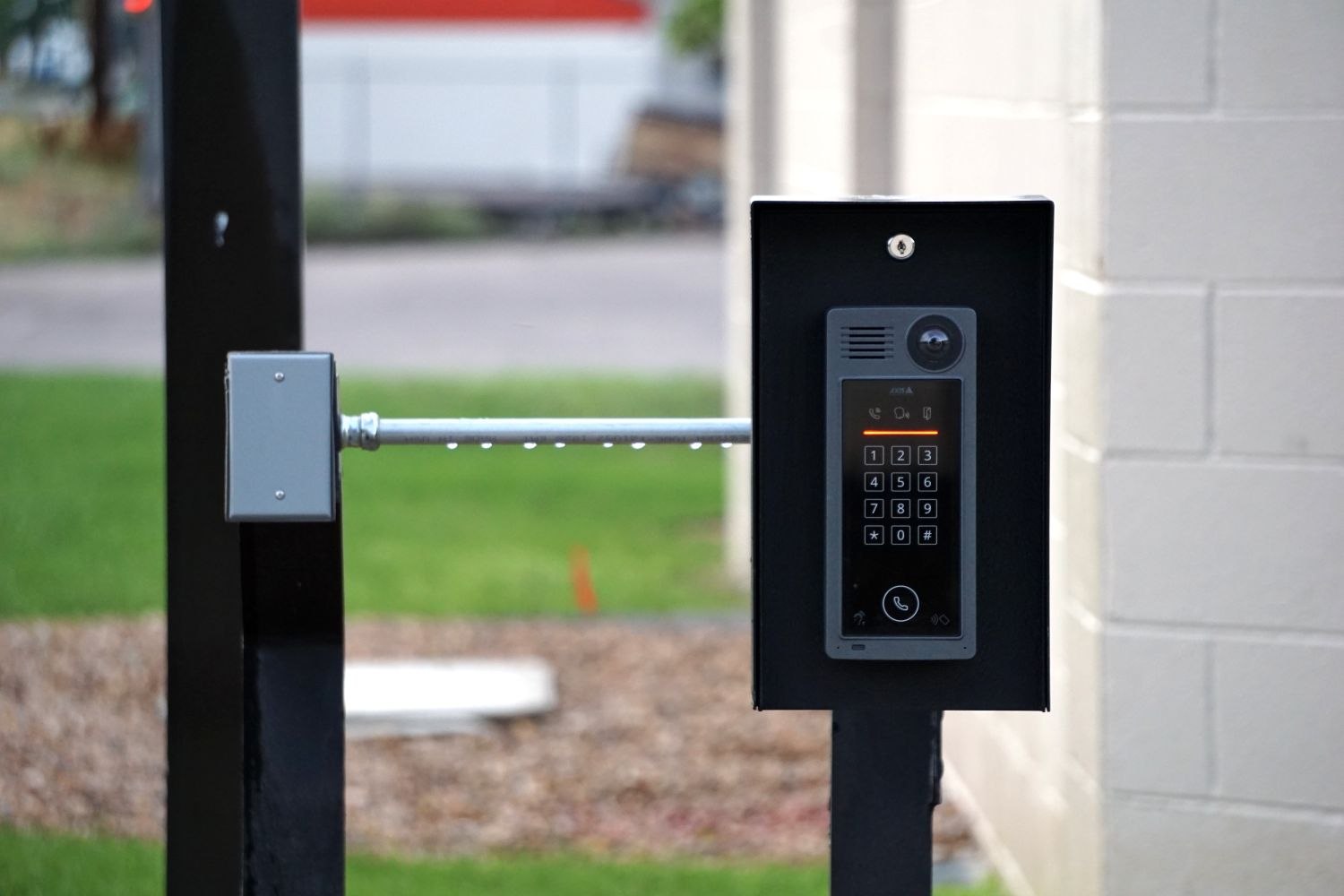
An entry in an access log can answer a narrow question very well: the system recorded a particular credential or action at a displayed time. It may not answer the broader question someone has in mind. Who physically entered, whether another person followed and how long anyone stayed can remain unknown.
Start with the event type. A keypad credential accepted, a remote unlock request, a bolt-position update and a door-open event are different observations. Some products record several of them; others record only one. Read the manufacturer's description before treating every line as proof that someone walked through the doorway.
Individual credentials make the history easier to organize, but they do not establish identity beyond doubt. A code can be shared, and a person can open the door for someone else. Keep that limitation in mind during household conversations rather than presenting the log as a definitive account of another person's behavior.
Check time and completeness
Look at the time zone and whether the device was connected when the event occurred. An upload can arrive later than the physical action. Distinguish the event time from the time a phone received a notification. If the system supports exporting records, read what the export includes and how long records remain available.
A gap in the history does not automatically prove that nothing happened. Offline operation, retention limits and the types of events recorded can all affect what you see. Conversely, several entries may come from one ordinary arrival if the system records both unlocking and door movement.
Use logs for proportionate tasks: checking whether an expected credential was used, identifying an unusual sequence to investigate or confirming that a maintenance change took effect. Avoid using them as the sole basis for a serious accusation. Where an incident needs formal investigation, preserve relevant information through the service's supported process and seek appropriate guidance.
Limit who can view or export the history. Access administration and routine entry do not always need the same permissions. Keep downloaded records private and retain them only for a clear purpose rather than accumulating household movement data indefinitely.
When comparing a log with a camera event, line up the clocks and the type of timestamp first. A video clip may begin after its triggering movement, while an access entry may mark the moment a credential was accepted. A small apparent gap between them is not automatically evidence of a missing person or a failed device. Record the uncertainty instead of filling it with a confident story.
For a simple maintenance question, the relevant evidence may be much narrower. If a user reports that their code did not work, the useful check is whether the lock recorded that attempt and what status the product assigns it. There is no need to export weeks of unrelated household history to investigate that one report.
A good note about an event separates observation from interpretation: “the lock recorded this code at this time” is precise. “This person must have been inside” adds an inference the device may not support. That distinction lets the record remain useful without asking it to tell a story it never captured.