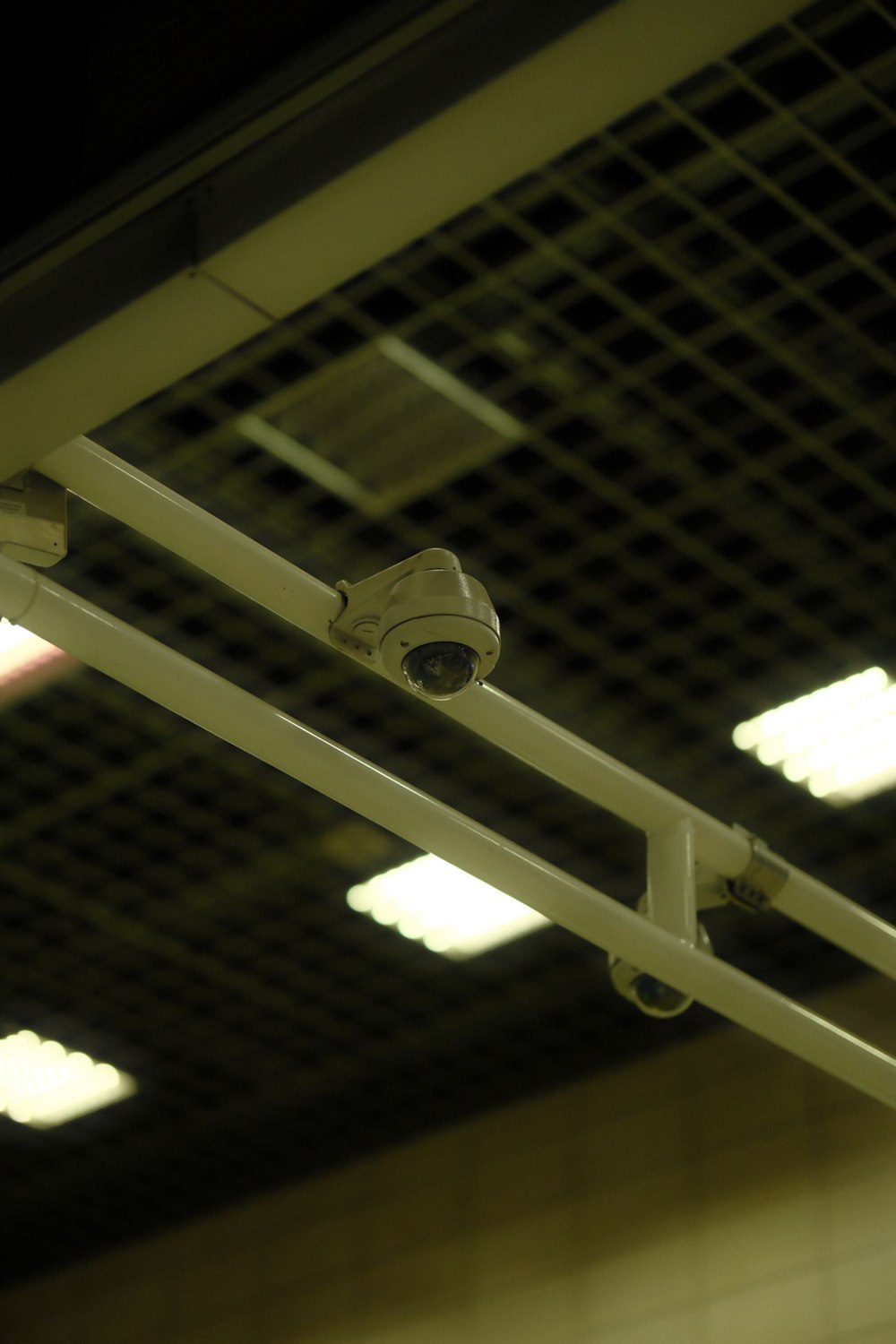
A firmware notification often arrives when you are doing something else. It is tempting either to ignore it indefinitely or to tap the update button just before leaving home. A better routine is to understand the required action and choose a time when the equipment can finish and be checked afterward.
Read the official release information or update prompt for the exact device. Some products update automatically; others require action or offer scheduling. Use the manufacturer's supported method and software source. A file shared on an unrelated forum is not an appropriate substitute for the correct update package.
The FTC includes software updates among the measures for securing connected devices. That makes updates part of ownership, but it does not mean interrupting one or installing the wrong firmware is harmless. Identify the device and any preparation the instructions require.
Prepare for the interruption
Make sure the equipment has the required power and connection. Ring's alarm-update guidance specifically calls for adequate power for the devices involved. Follow the model's process rather than disconnecting a battery or repeatedly restarting because progress appears slow.
Let the household know if a camera, keypad or hub may be unavailable. For a monitored system, follow the provider's instructions about maintenance and testing. Avoid starting a discretionary update immediately before a long trip, when no authorized person will be available if the device needs attention.
Record the existing version and any settings especially important to the installation. This does not require screenshots of every menu. A note of recording schedules, household access and unusual configuration may be enough, depending on the product. Protect any backup that contains sensitive information.
After the update completes, confirm the version or successful status through the supported interface. Then check the device's actual job. Review a fresh camera recording, verify the intended notification or run the prescribed sensor test. Make sure a temporary maintenance setting has not been left in place.
If the update fails, preserve the exact message and stage at which it stopped. Use the supplier's recovery guidance instead of trying several unrelated firmware files. Include the model, previous version and connection details when asking for help.
Finally, add the result to the maintenance note. You do not need a diary of every automatic update, but recording a manual change that affected the system makes later troubleshooting easier. The task ends when the equipment is back in its normal role, not merely when the progress indicator disappears.