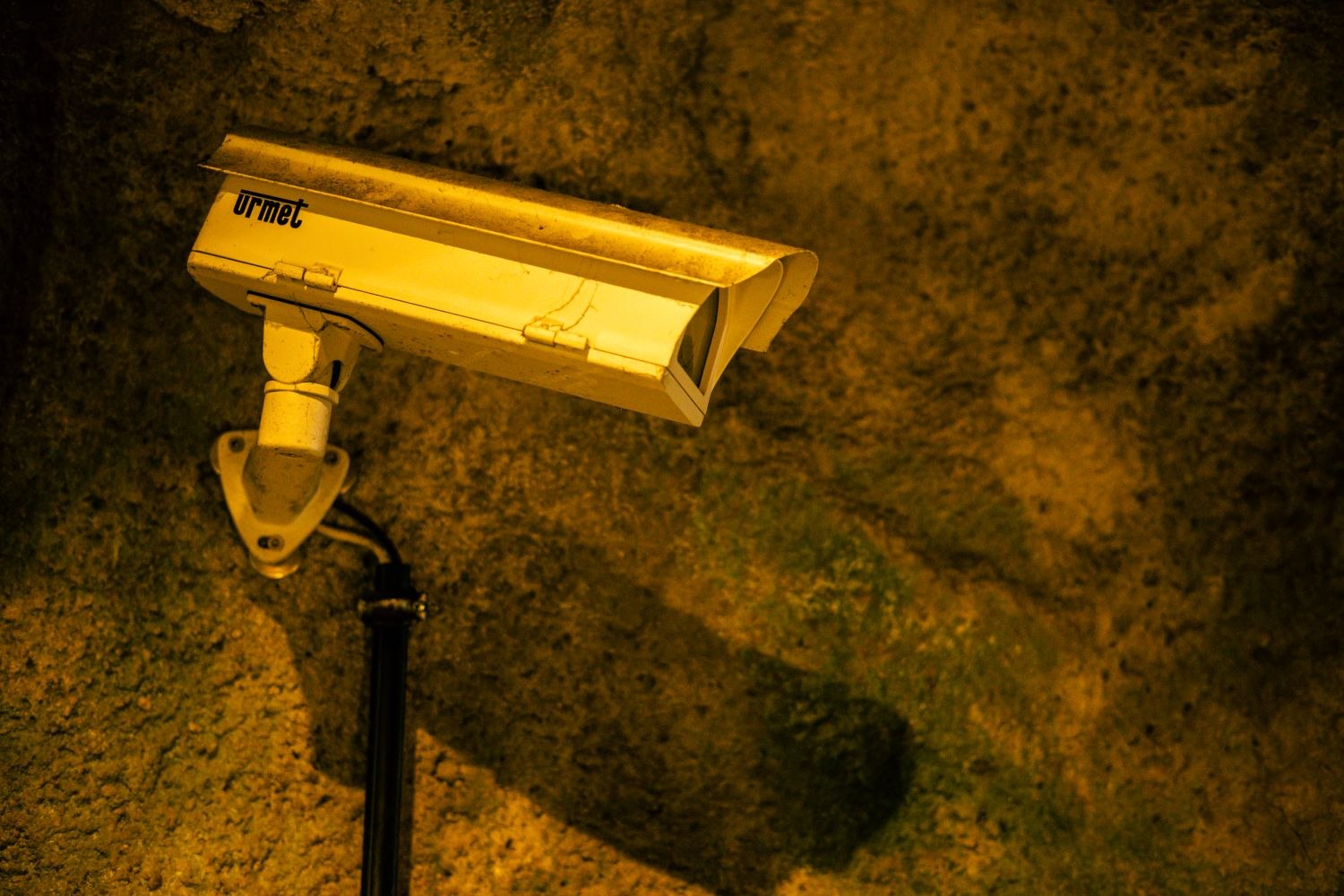
A phone notification shows someone beside the gate. You open it later and the camera's live view is empty. Nothing is necessarily missing: the notification image and the current live stream describe different moments.
Treat a thumbnail as a pointer into the event history. Check its time, camera name and event label, then open the associated recording if the system provides one. Some previews update differently from the stored clip, and a snapshot can represent only one instant from a longer action.
The difference matters when a picture seems blurry or incomplete. A small alert image may be compressed or cropped for display. The original recording may contain more useful detail and surrounding movement. Conversely, seeing a notification image does not guarantee a full recording is available; that depends on the equipment, settings, storage and service.
Find the matching interval
Use the archive's date and time controls rather than repeatedly reopening a notification. Check whether you have entered live view or playback. Look for movement or a timestamp that distinguishes them. If the device clock or app time zone changed recently, account for that before concluding the event is absent.
Where an event is split into several clips, inspect adjacent entries. The useful action may begin before the thumbnail's selected moment or continue into a later recording. A label such as “motion” or “person” helps navigation but does not describe every detail in the file.
Preserve the recording, if it matters
Download the original clip through the supported export function and play the saved file. A screenshot of the notification is a limited record of what the phone displayed. It cannot reveal movement, sound or context outside that frame.
Keep the original export when creating a shorter copy for someone else. Messaging apps and editing tools can change quality, and a link to an online event can stop working when retention or permissions change.
If there is no clip, review the recording configuration and service status before changing anything that might erase available history. The alert, the preview, the live picture and the archive are related parts of the system, but they are not interchangeable. Learning to tell them apart makes both routine checks and genuine troubleshooting much less confusing.