Temporary access often remains active because its beginning is obvious and its end is easy to forget. A cleaner arrives, a contractor finishes or a guest leaves early, but the credential stays in the device list. The simplest improvement is to attach a review or expiry date when access is created.
Use automatic expiration where the product supports it and where the schedule fits the arrangement. Then keep a calendar reminder to confirm the result. This extra check is useful when visits are extended, codes are replaced or the device has been offline. A planned expiry is not a reason to stop understanding the current user list.
List the systems involved without writing down the secrets. A visitor might have a door code, alarm permission, intercom entry and a shared camera invitation. Removing one item may not remove the others, even when they are displayed in related apps.
At the end of the arrangement, work through that list using the supported controls. Check that changes have reached the relevant equipment. For an offline lock, the manufacturer may describe additional steps before the revised permission is effective. Do not treat a completed screen action as universal proof of synchronization.
Tell the affected person that access has ended when that is appropriate to the arrangement. This avoids a former visitor trying an old code during an unplanned return and assuming the equipment is faulty. If they need another visit, create a new authorized window rather than keeping access indefinitely “just in case.”
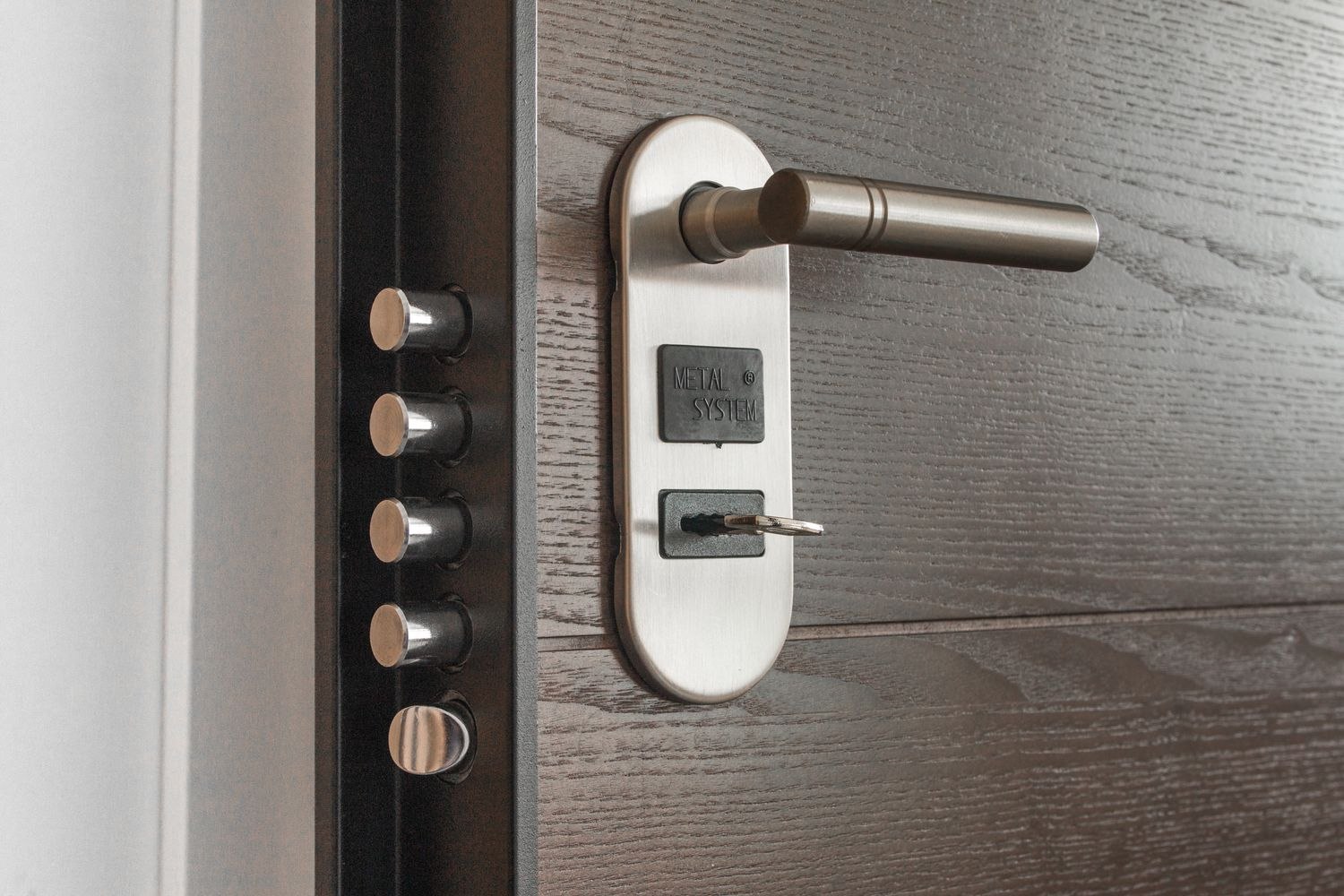
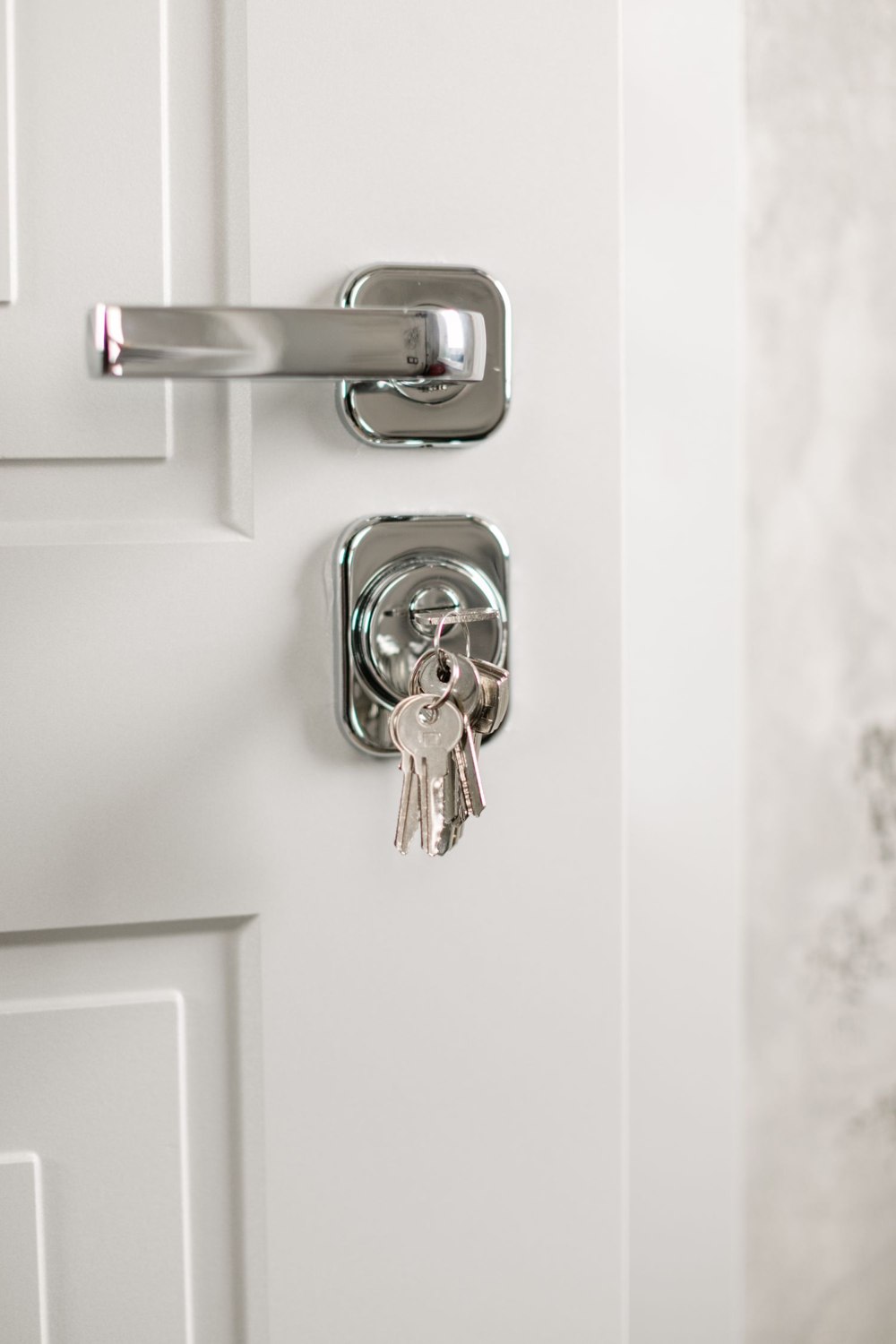
Review physical items too. Keys, cards, fobs and remotes can exist alongside digital credentials. Account cleanup does not retrieve them. Follow the property's agreed return process and seek suitable advice if a missing item requires a change to the access arrangement.
Keep a brief completion record: person, purpose, systems reviewed and date. No PINs or passwords are needed. For recurring helpers, use the product's supported schedule or a deliberately renewed arrangement rather than accumulating duplicate users.
This routine is particularly useful after a renovation or a period with several visitors. The objective is a clear current list of people who need access, not a perfect reconstruction of every historical invitation. Small, regular reviews prevent a manageable household system from becoming an archive of forgotten permissions.