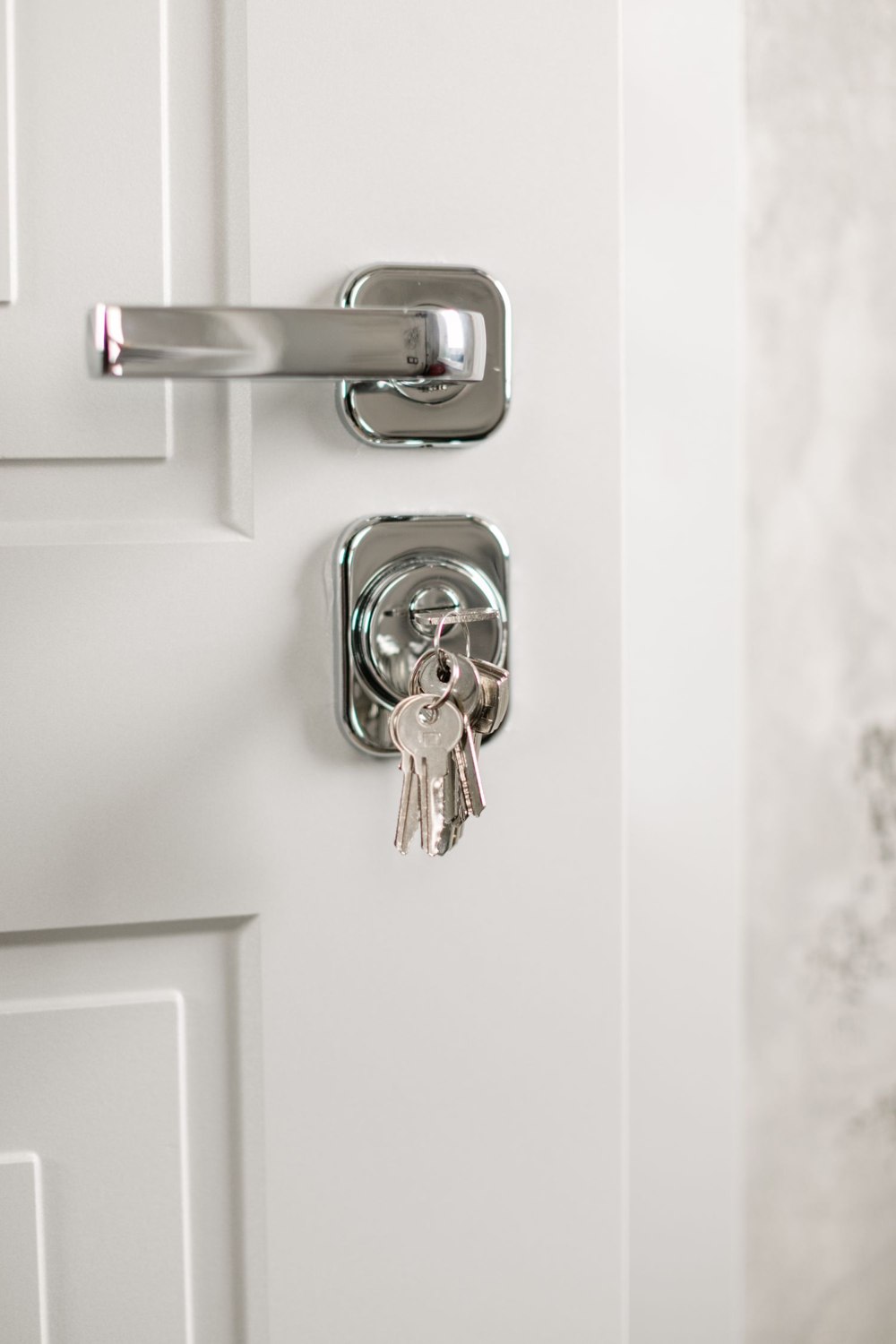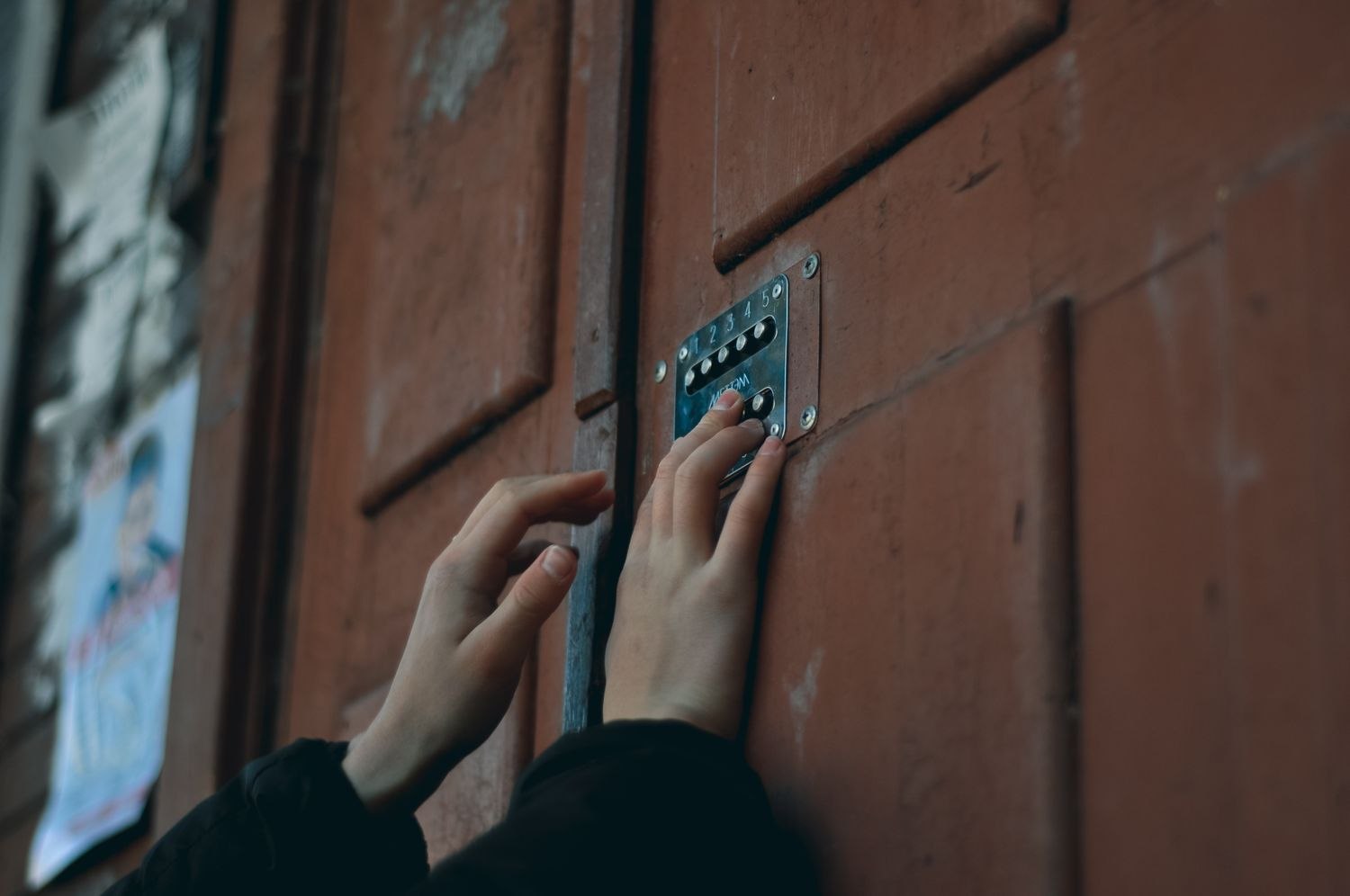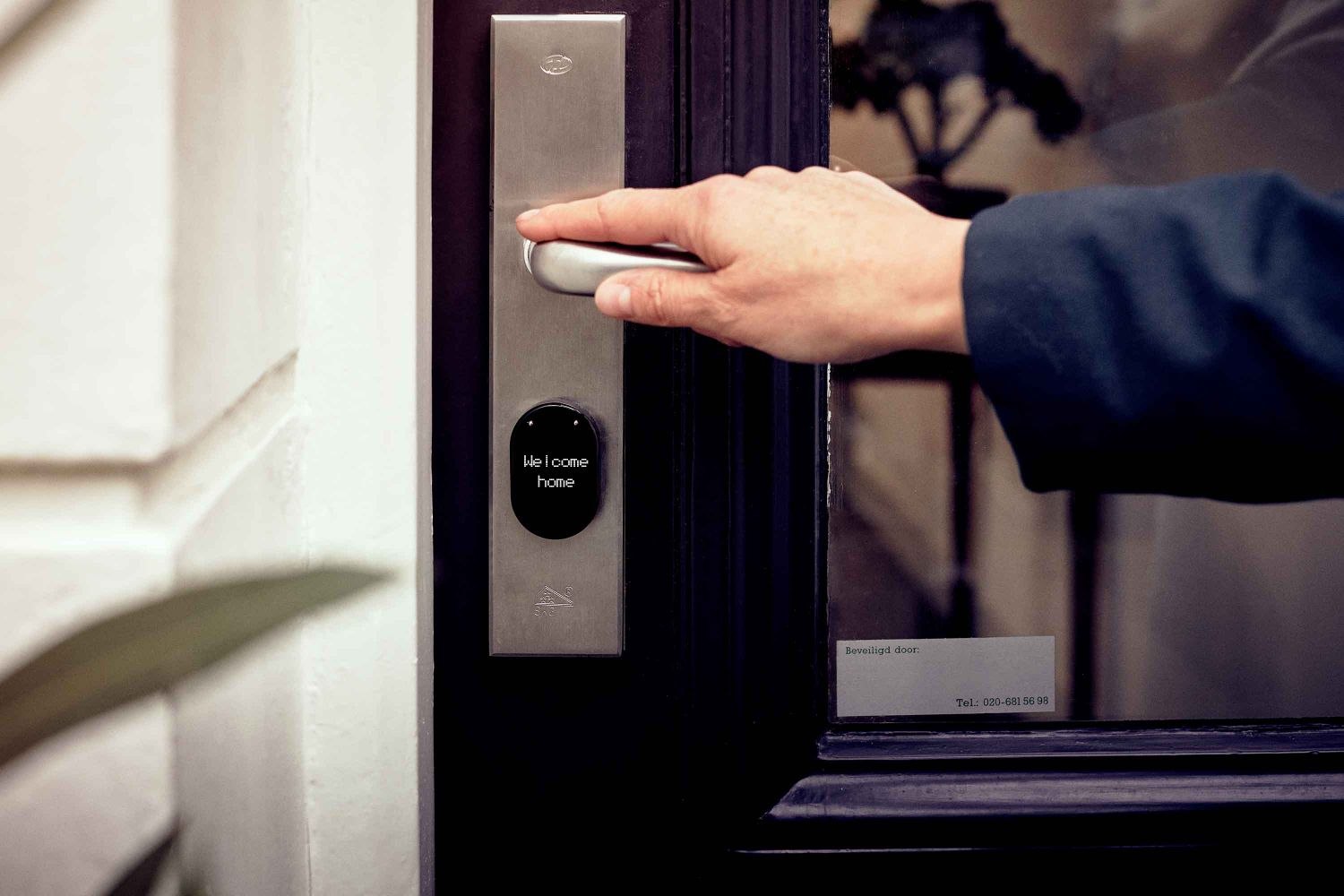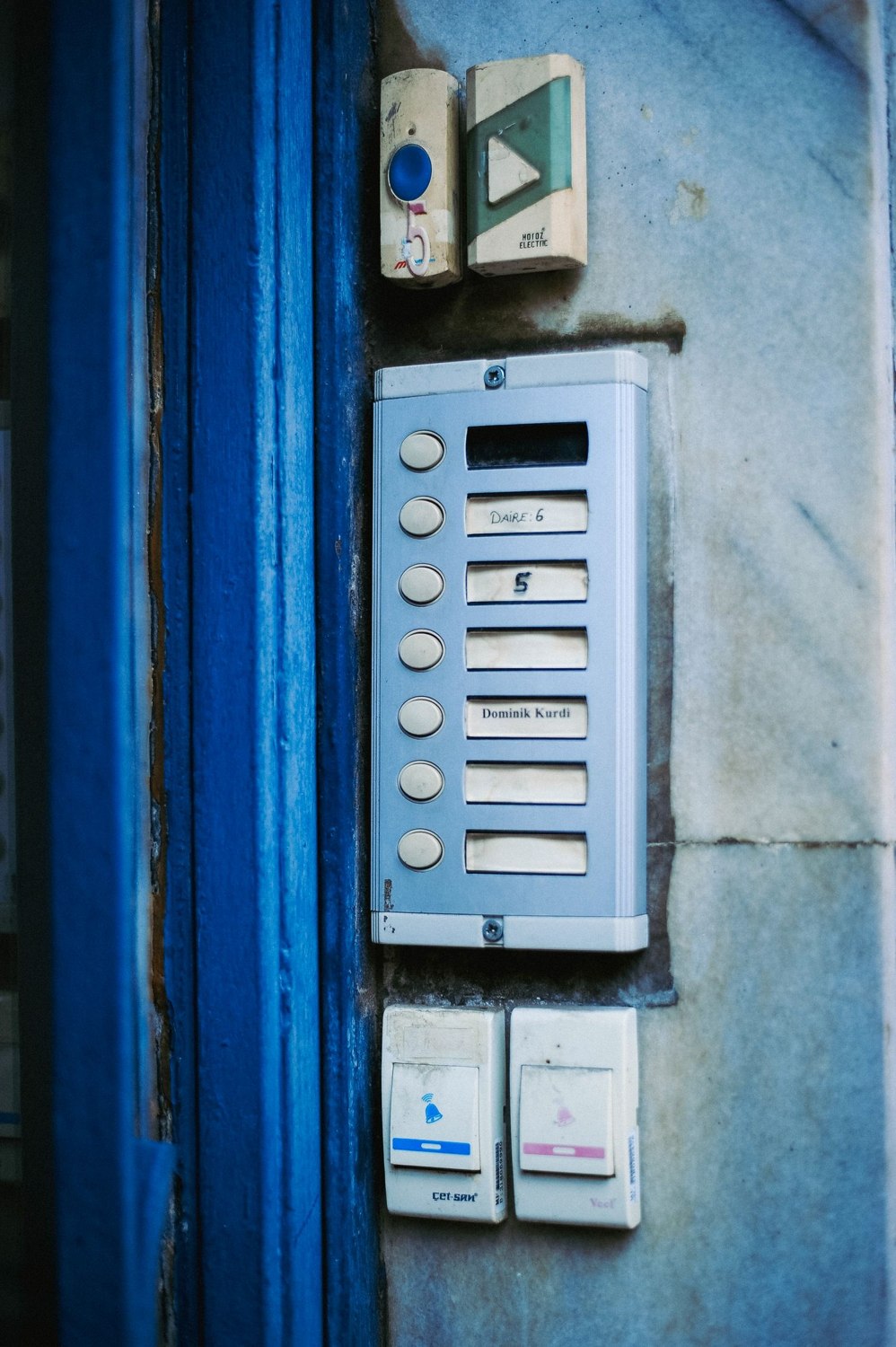
In a building with a shared entrance, a convenient new control can affect people who never chose it. A resident may want phone entry, while a neighbor prefers the existing method and a property manager remains responsible for maintenance. Start with who has authority over the entrance and what changes have been agreed.
Do not install or alter a shared access system solely on the basis that you can reach the equipment. Discuss the proposal with the responsible owner or management body. The door may also have safety, accessibility or building requirements that are not apparent from the visible lock.
Map the permissions separately. Opening the common door does not necessarily require viewing a camera, changing call lists or managing other users. Choose the narrowest supported access appropriate to each person's role. A household member, temporary visitor and installer can have different needs.
Make shared responsibilities explicit
Agree who adds and removes residents, who handles lost credentials and who contacts the service provider. Keep that responsibility with a role that survives an individual moving out. A building system tied only to one departing resident's personal account can create a difficult handover.
Visitor arrangements need similar clarity. A temporary code for one apartment's guest should not become an informal building-wide code. Use supported schedules and revocation methods where available, and make sure the relevant resident understands their responsibility for ending access.
If the entrance includes video or audio, discuss the view and permitted use with the responsible parties. Avoid aiming equipment into private areas or assuming that a resident's consent settles every other person's interests. Applicable rules vary, so obtain local guidance where the shared setting raises questions.
A small shared building illustrates the difference between access and administration. Every resident may need to open the common door, but only the designated manager may need to add users or alter the system. A contractor may require a time-limited visit without permission to see recordings. Write those roles down before comparing products. If the equipment offers only a single shared account, that limitation belongs in the buying decision rather than becoming an afterthought once everyone has the password.
Emergency and accessibility arrangements must remain under the responsible property's requirements. A convenience change should not make an approved exit route harder to use or leave somebody dependent on a phone they cannot operate. Bring these issues to the appropriate professional rather than treating them as optional app settings.
Keep instructions short and consistent at the entrance. Visitors should know which call control reaches the intended destination and where to wait. Do not add decorative controls that look like release buttons or leave obsolete labels beside a replacement panel.
Review the arrangement after occupancy changes. Remove old users, update names where appropriate and verify that the agreed fallback remains available. A shared entrance works best when convenience is balanced with clear authority and boundaries, rather than allowing the person most comfortable with an app to become the accidental administrator of everyone else's access.